
Check out these recently launched apps in Microsoft Store on Windows
Microsoft Store in Windows offers a wide range in its ever-growing catalog of apps. Explore our curated list of new apps that spans everything from photography and planning to publishing and design.
Craft
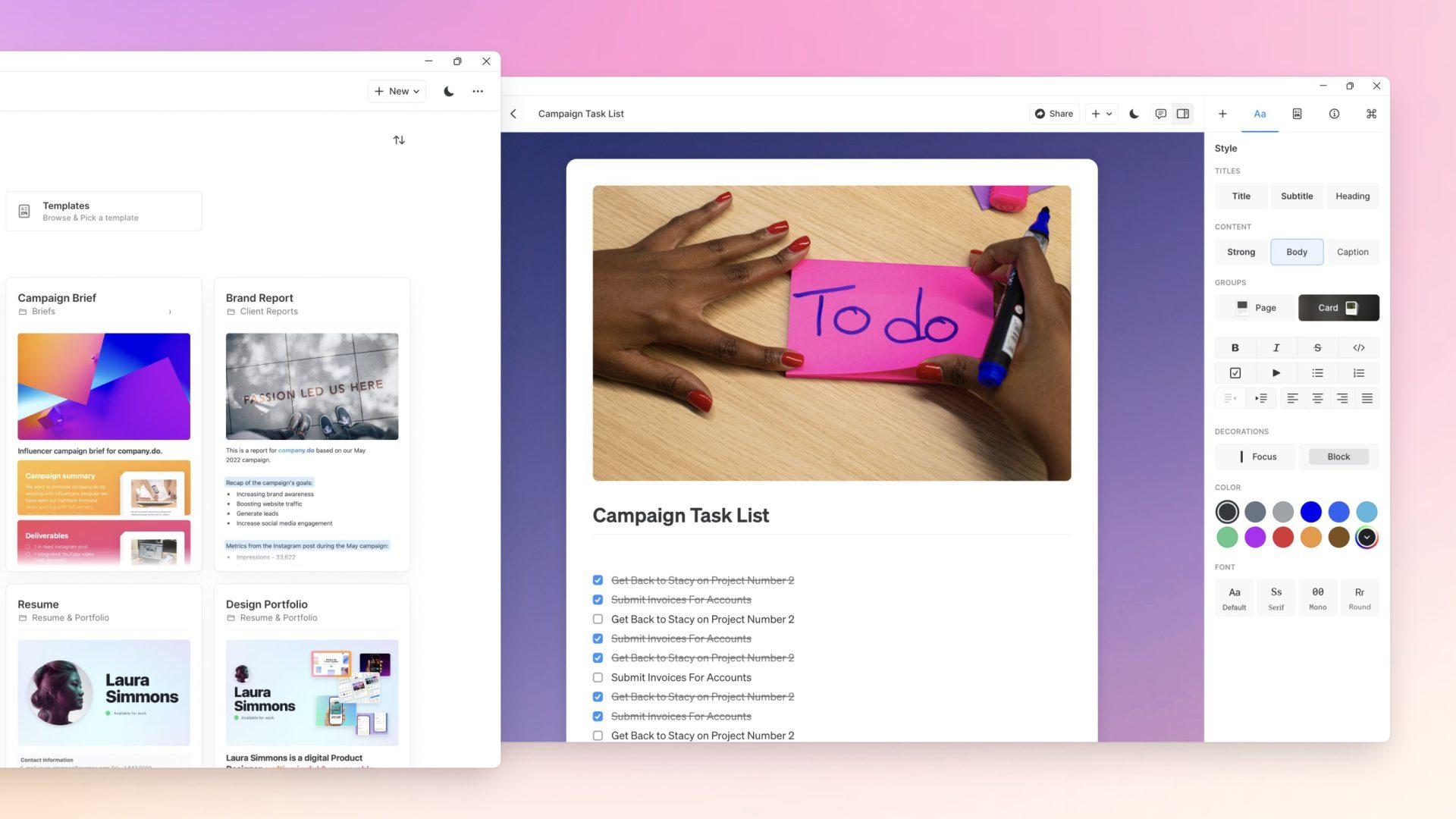
Organizing your workflow, writing your report, creating your code or mapping your masterplan; whatever you’re doing, the freedom to do it your way matters.
Just click and create amazingly beautiful docs in minutes, then bring it all together in your own personal way.
With Craft, your team will be creating work that elevates your output and making an impact where it counts.
Dozens of beautiful templates, a fabulously feature-rich toolbox and endless ways to create your own unique way.
An award winning app trusted by millions.

Craft
Luki Labs Limited
Affinity Photo 2
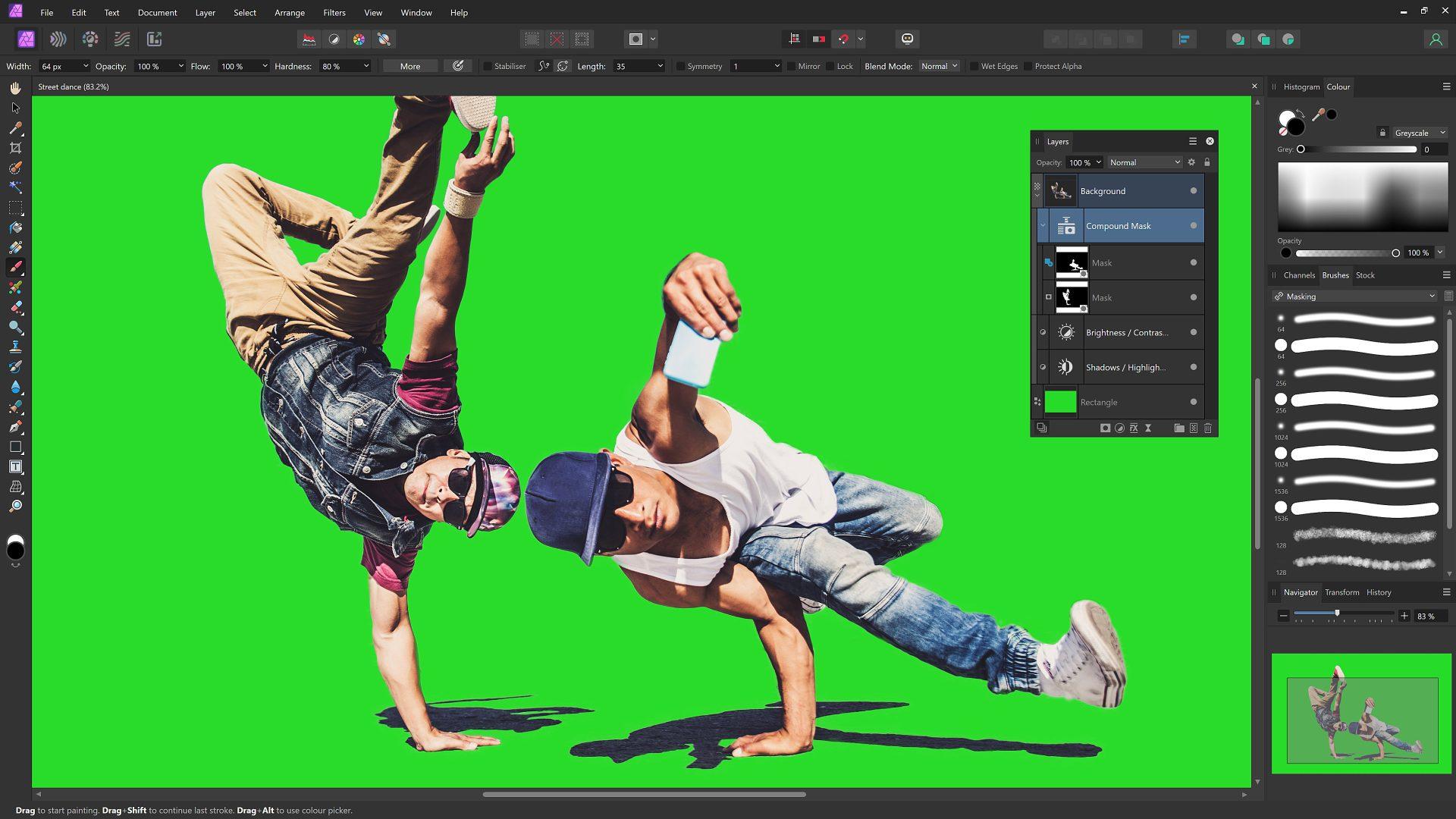
The first choice of millions of creative professionals around the world, the award-winning Affinity Photo set a new standard for quality and value in the world of image editing. The ultra-powerful Affinity Photo 2 takes the experience to a whole new level, thanks to the addition of incredible new features, hundreds of enhancements, and a completely redesigned UI for an improved workflow. It has everything you need to edit and retouch images, create multi-layered compositions, beautiful raster paintings and so much more.

Affinity Photo 2
Serif Europe Ltd
Affinity Publisher 2
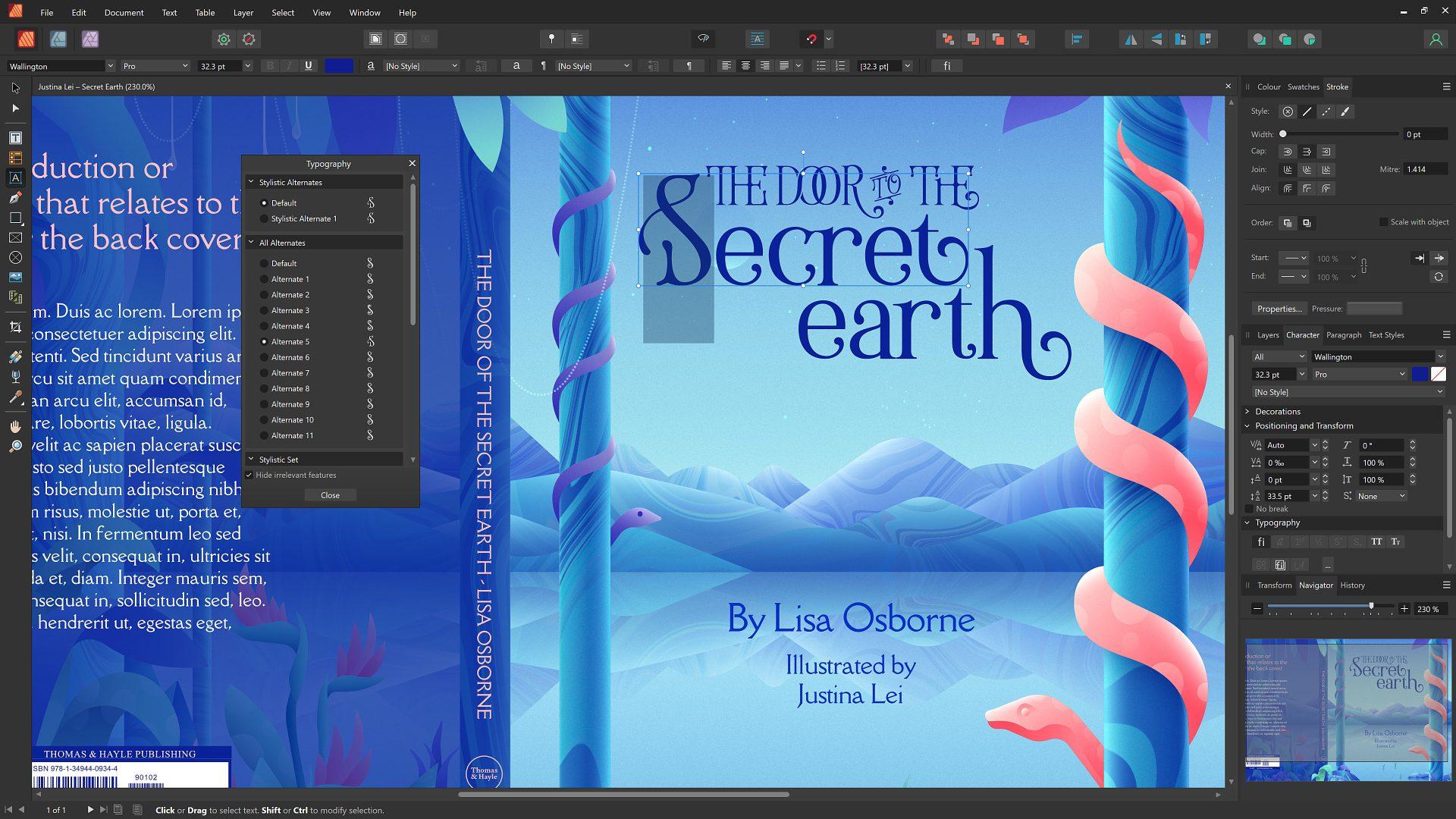
Affinity Publisher 2 is the next generation of the award-winning page layout and design software from Serif. Whether you’re creating a book, magazine, marketing materials, social media template or something else, it has everything you need to make beautiful layouts ready for publication. And with the ground-breaking ability to fully integrate with other Affinity apps, it’s completely revolutionizing the way creatives work.

Affinity Publisher 2
Serif Europe Lt
Affinity Designer 2
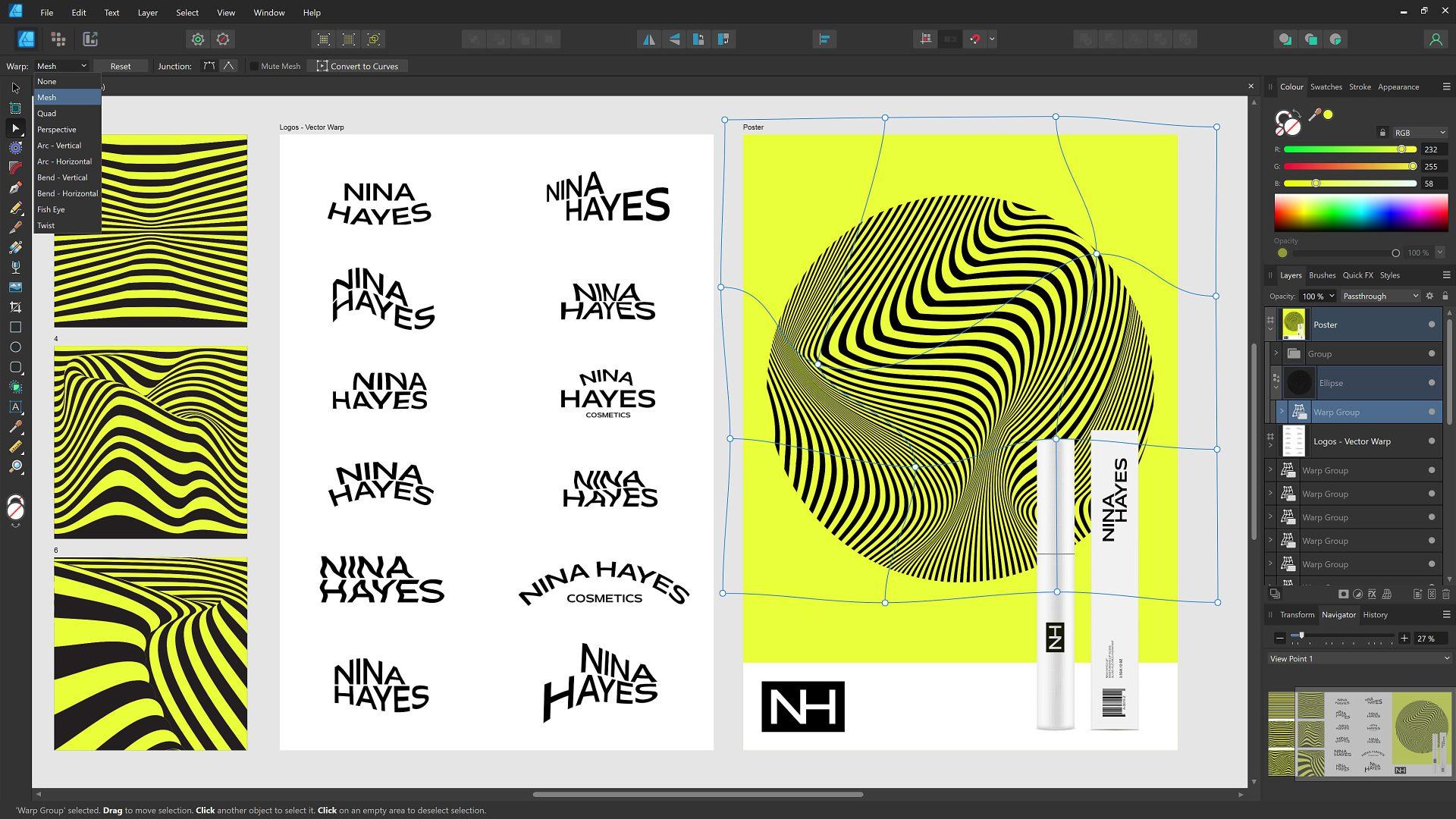
The next generation of the award-winning vector graphics software, Affinity Designer 2 is setting the new industry standard in the world of design. Packed with tons of new features and hundreds of enhancements to optimize your workflow, you can now create high-quality concept art, illustrations, architectural renders, logos, icons, mock-ups, and other designs more seamlessly than ever before.

Affinity Designer 2
Serif Europe Lt
Adobe Photoshop Elements 2023

From simple tweaks to advanced artistic options and adjustments, it’s never been easier to create photos you’ll love to share. From editing with the power of AI to adding motion to photos, you’ll find all your photo essentials in Adobe Photoshop Elements 2023. With Adobe Sensei AI*, add peek-through overlays and showcase your photos with new collage and slideshow templates. Plus, go beyond your desktop with new web and mobile companion apps (English-only beta), and enjoy faster installation and performance plus Apple M1 chip support. You’ll find all your photo essentials in this easy picture editor.
*Adobe Sensei is the technology that powers intelligent features across all Adobe products to dramatically improve the design and delivery of digital experiences, using artificial intelligence and machine learning in a common framework.

Adobe Photoshop Elements 2023
Adobe Inc.