Get started and load up your device with popular apps
It’s the moment you’ve been waiting for. You finally have time alone and can slowly unpack your brand-new Windows 11 device. Whether it was a gift or an expression of self-love, it’s time to wake up and smell the newness. Once you crack open the box and the choir of angels stop singing their joyful cheer, you turn on your new device, make your mark by personalizing the settings, and crack those fingers to begin. But, before you do, we’re here to point you to those apps that will drive the optimal experience you deserve with your newest toy.
Netflix
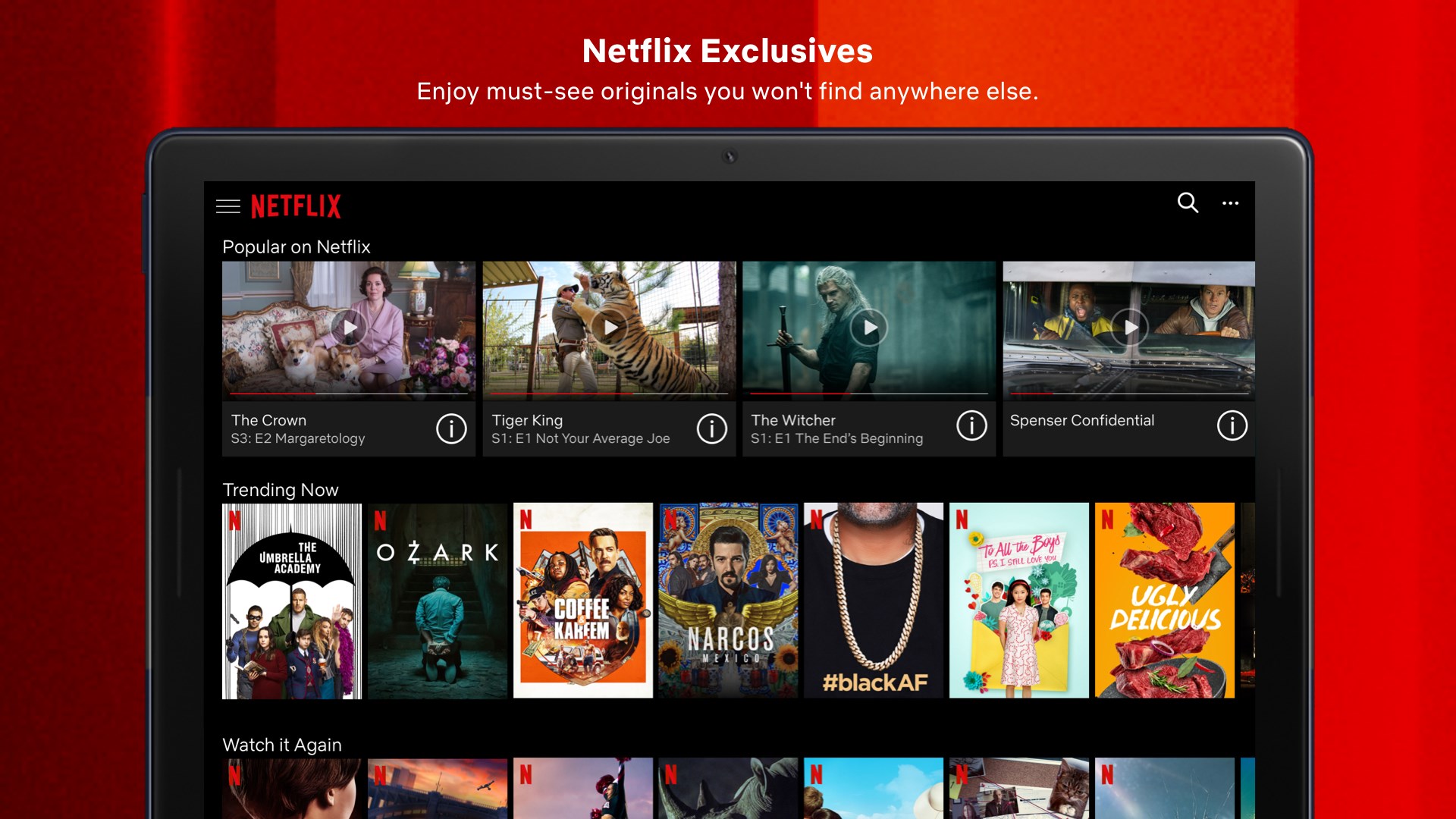
Netflix has something for everyone. Watch TV shows and movies recommended just for you, including award-winning Netflix original series, movies, and documentaries. There’s even a safe watching experience just for kids with family-friendly entertainment.

Netflix
Netflix, Inc.
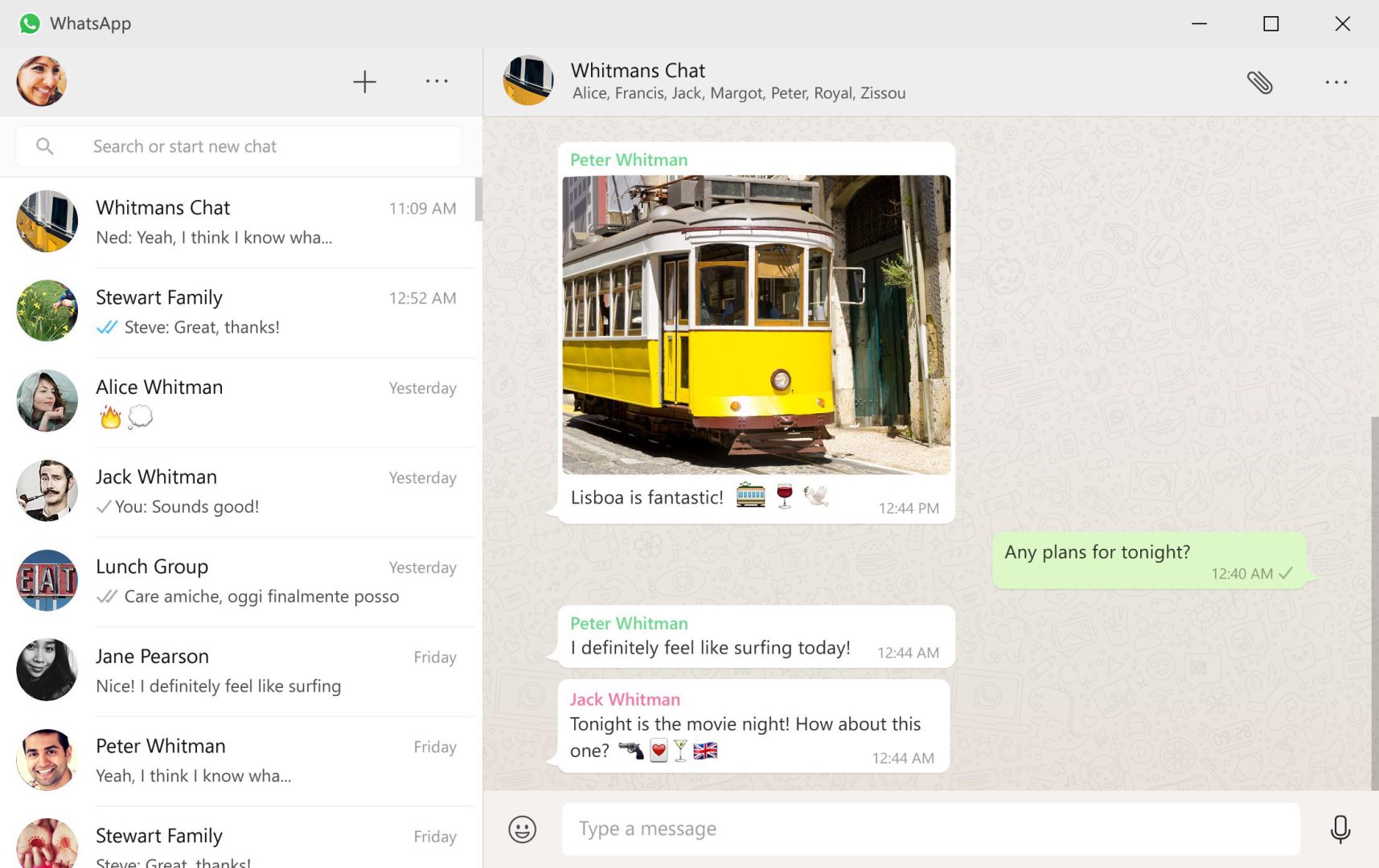
WhatsApp from Meta is a 100% free messaging app. It’s used by over two billion people in more than 180 countries. It’s simple, reliable, and private, so you can easily keep in touch with your friends and family. WhatsApp works across mobile and desktop even on slow connections, with no subscription fees.

WhatsApp Inc.
Zoom Rooms
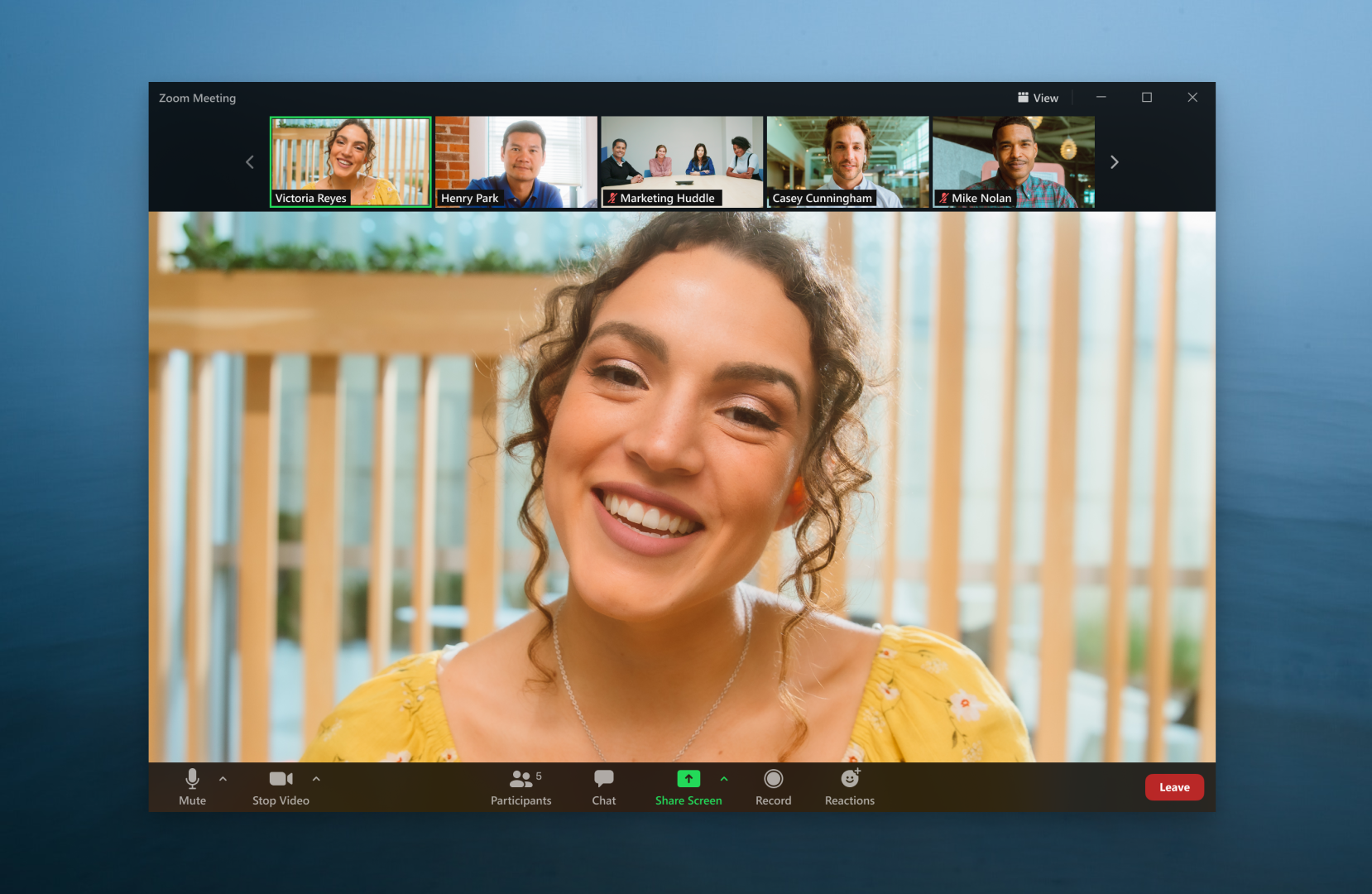
With all your fancy social media updates and images, you’ve got friends from school excited about your upcoming event, but they are on the opposite coast. They can still join the fun, hear those inspiring tunes on your playlists and chime into those nostalgic convos by tuning into Zoom Rooms. Life gets easier with one-touch meeting joining, plus quality video and screen sharing. If they can’t attend the video conference, hit the record button for them to watch later. Missing out is a thing of the past.

Zoom Rooms
Zoom Video Communications, Inc.
Spotify

On Spotify, stream the tracks you love instantly, browse the charts, or fire up curated playlists in every genre and mood. Radio plays offer you great song after great song—all based on

Spotify
Spotify AB
HP Smart
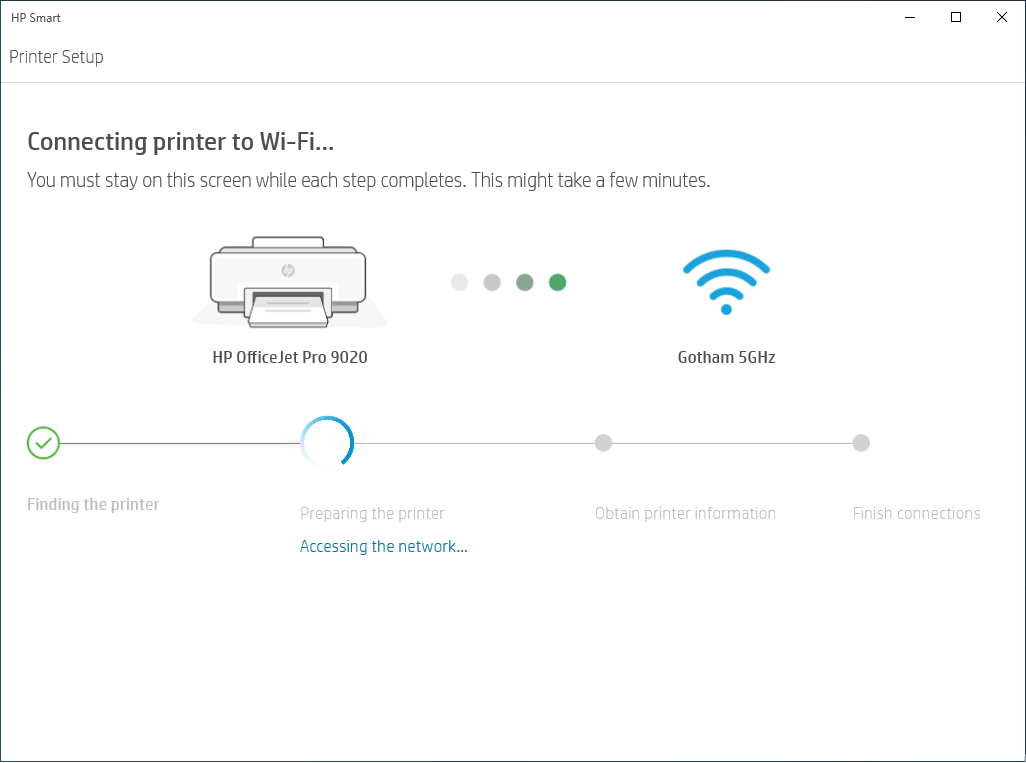
Print, scan, and share files by using HP Smart with your HP Printer. HP Smart makes it easy to get started and keeps you going with features like Print Anywhere or Mobile Fax.
HP Smart
HP Inc.
TikTok
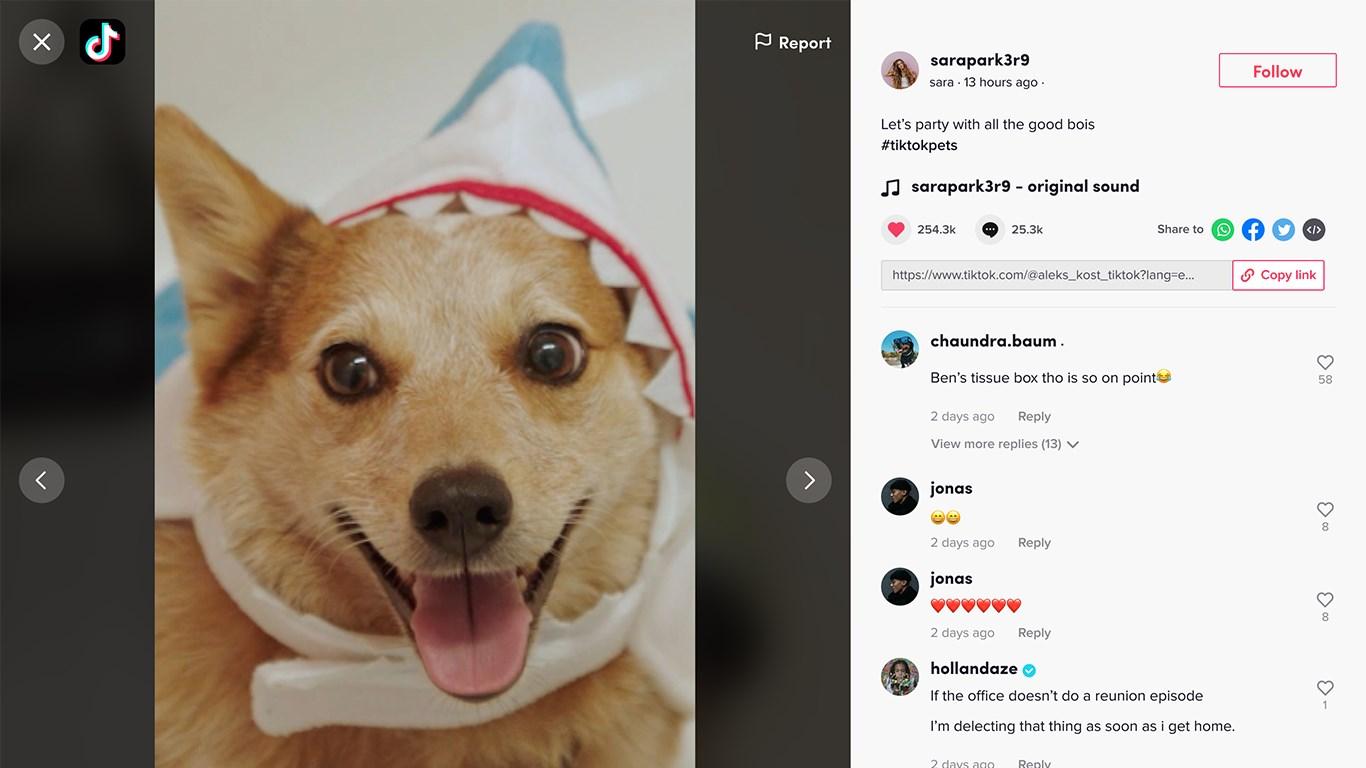
TikTok has become the latest social sensation. Warning: it can be addicting as you “rabbit hole” into discovering content catered to you. Are you a sucker for partaking in the latest dance craze, the newest cleaning hack, or watching llama videos? You name it, it’s all there. But, if you fancy yourself as a creator, then the app has all the tools you’ll need to become one of the greats. Through these simple tools to capture your outrageous (or carefully planned) moments, then apply special effects, filters, music, augmented reality (AR), and more. This app has you covered. Get inspired and inspire.

TikTok
Bytedance Pte. Ltd.
Adobe Acrobat Reader DC
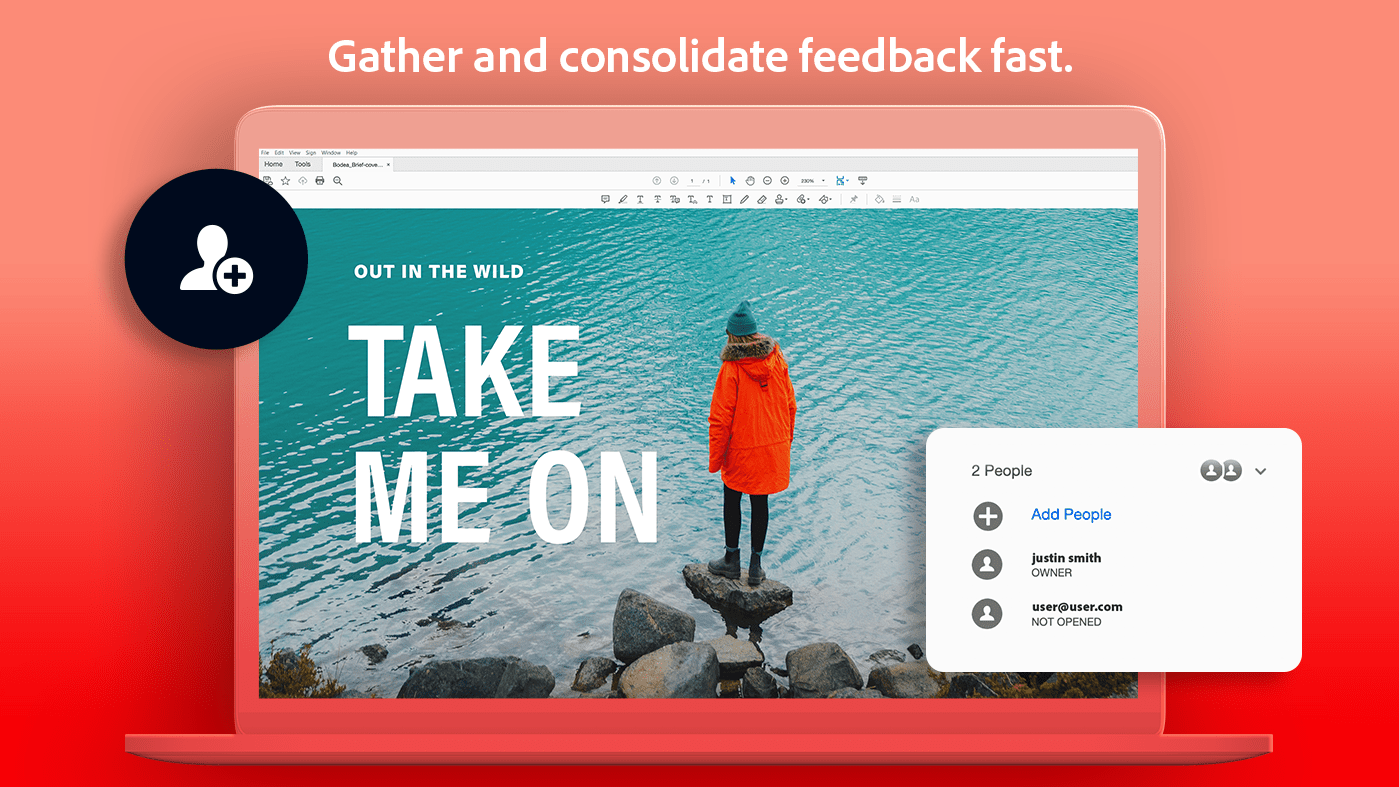
Adobe Acrobat Reader is the free, trusted global standard for viewing, printing, e-signing, sharing, and annotating PDFs.

Adobe Acrobat Reader DC
Adobe, Inc.
Phone Link
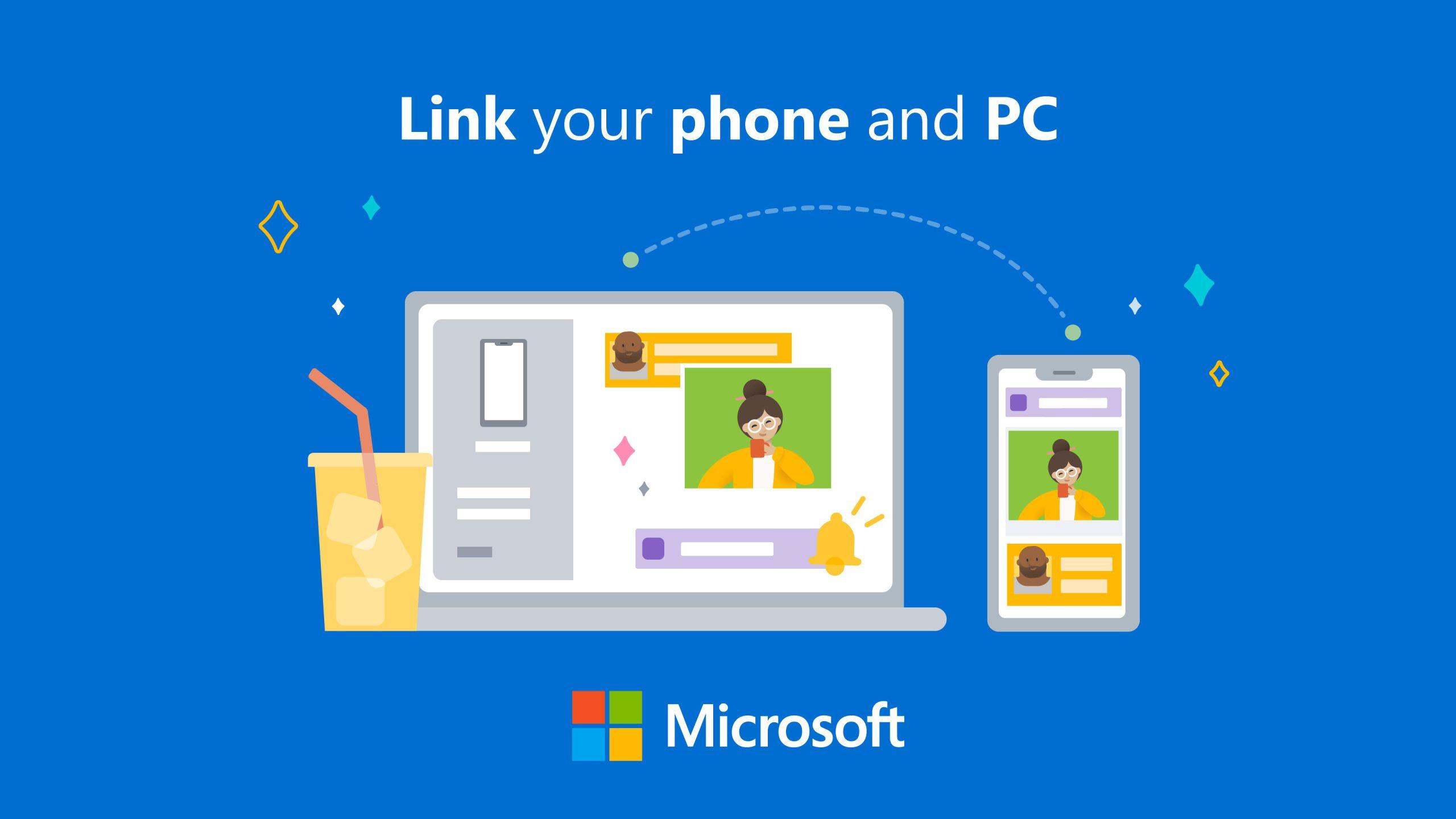
You love your phone. So does your PC. Get instant access to everything you love on your phone, right from your PC. With Phone Link, link your Android phone and PC to view and reply to text messages, make and receive calls, view your notifications, and more.
Phone Link
Microsoft Corporation
Lively Wallpaper
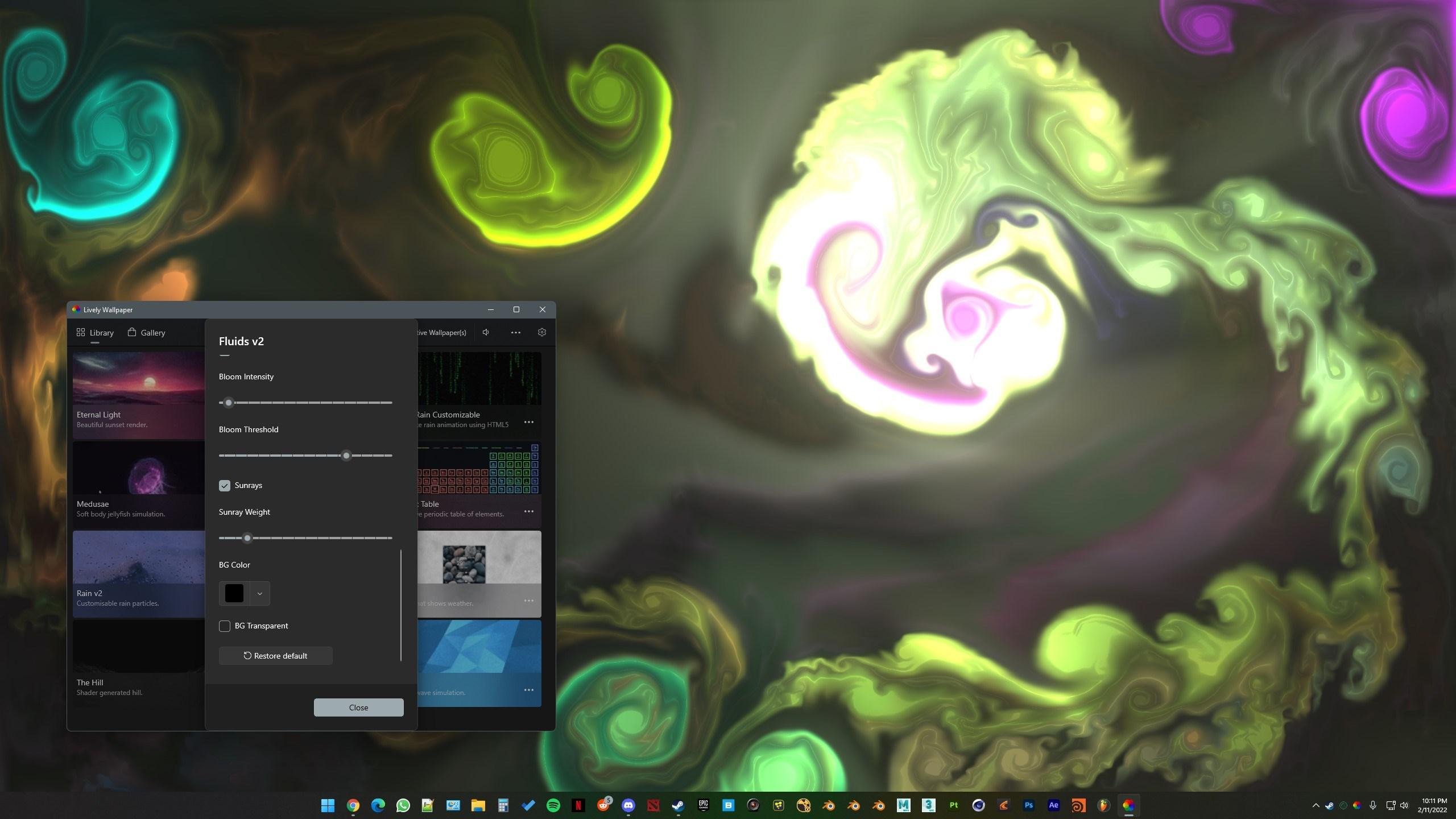
Free and open-source application for setting GIFs, videos, and webpages as your desktop wallpaper and screensaver.
Lively Wallpaper
Rocksdanister
Adobe Photoshop Elements 2023

From simple tweaks to advanced artistic options and adjustments, it’s never been easier to create photos you’ll love to share. From editing with the power of AI to adding motion to photos, you’ll find all your photo essentials in Adobe Photoshop Elements 2023. With Adobe Sensei AI*, add peek-through overlays and showcase your photos with new collage and slideshow templates. Plus, go beyond your desktop with new web and mobile companion apps (English-only beta), and enjoy faster installation and performance plus Apple M1 chip support. You’ll find all your photo essentials in this easy picture editor.
*Adobe Sensei is the technology that powers intelligent features across all Adobe products to dramatically improve the design and delivery of digital experiences, using artificial intelligence and machine learning in a common framework.

Adobe Photoshop Elements 2023
Adobe Inc.
Canva
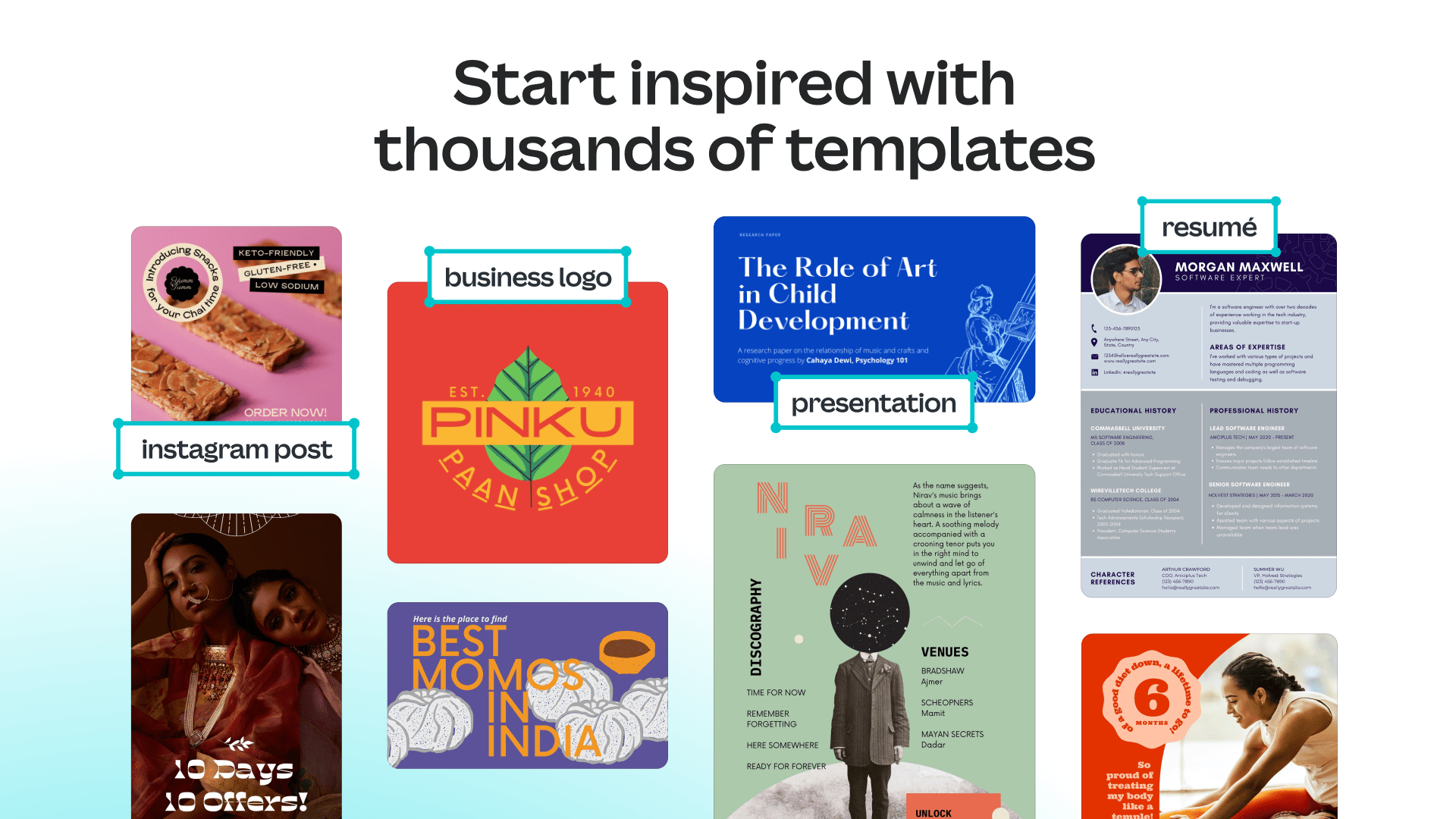
Everything you love about Canva and more is now available in a beautiful Windows desktop app. Set yourself free from browser tab overload. With the Canva desktop app you now have a distraction-free space to focus on your designs, keep all your work organized, and collaborate effortlessly with your team.
Canva
Canva
The world is truly your oyster with a wide variety of apps at your disposal. Whether you have a flair for the creative or just need the tools to switch into super-productive mode, we have the apps to customize your device to your specific needs. Take a moment to browse our vast app collection at Microsoft Store on Windows here.