Celebrating all graduates and their next chapter
Congrats! You’ve made it across the finish line. For now, you probably want to put school behind you and focus on what’s ahead. Whether you’ll be taking time to reflect on what’s next, travel with your closest friends, or jump directly into the career you’ve worked so hard to prepare for, your Windows device can be enhanced to your specific plans with apps designed specifically for you. Below, you’ll find a collection of some of the most favored apps in the Microsoft Store. Whether you are a high school or college graduate, we’ve got something for everyone.
Best summer ever
Whether you feel like the last four years of high school were the best or worst years of your life, who cares? Summer is approaching and it’s time to make it the summer of you. Why not make it even better?
Discord

In the Microsoft Store on Windows experience, you will find all the tools you need to bring your game play moment to the forefront. It’s time for your tree in the forest to make its sound – loud and proud! Even if you aren’t a gamer, Discord is here for you to communicate with and discover your community. You can connect with people across the world who share similar interests as you begin your journey of self-discovery.

Discord
Provided and updated by Discord, Inc.
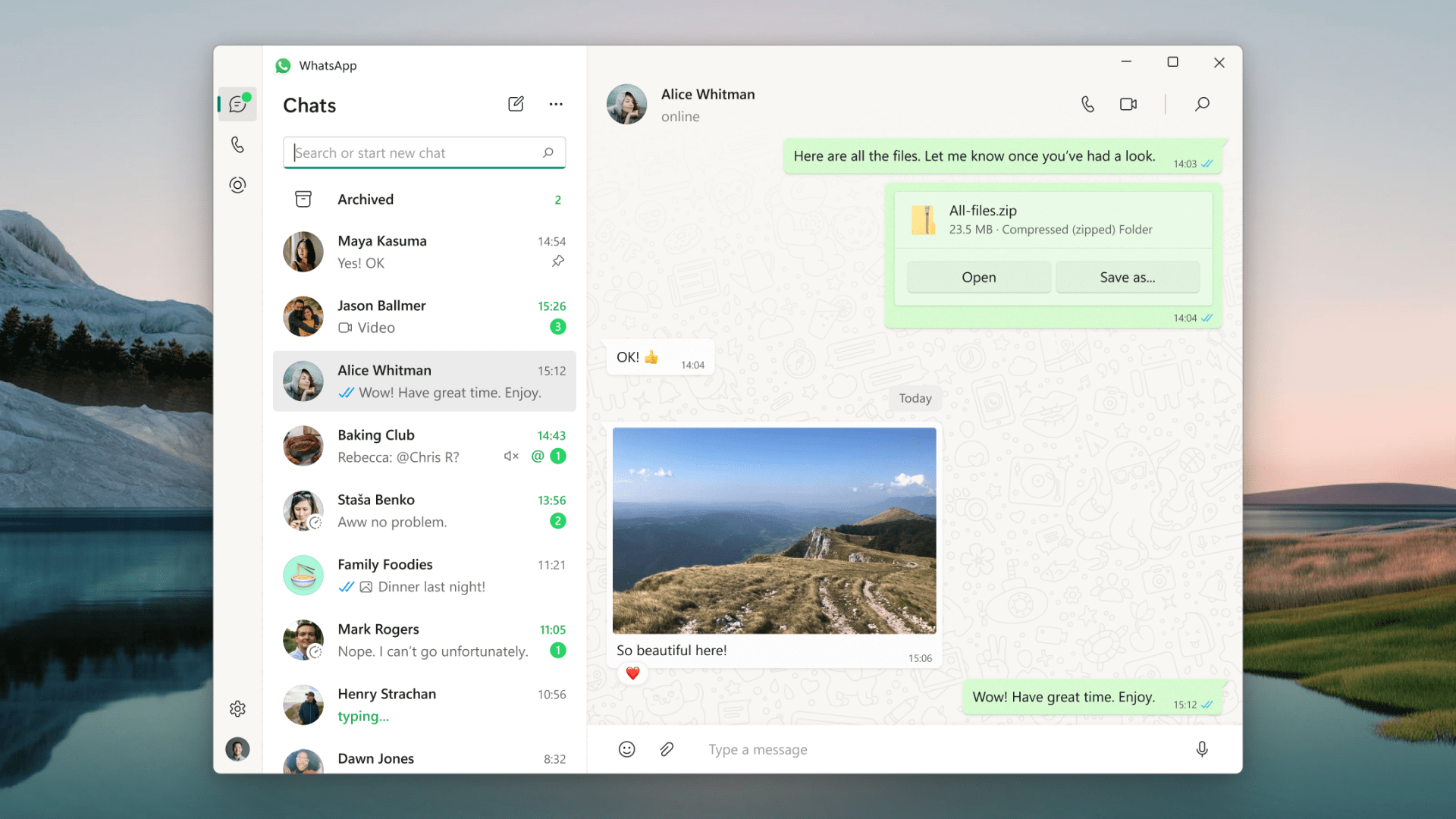
Now’s the time to be extra communicative as you keep folks in your circle abreast of your most recent adventures. In comes WhatsApp from Meta, a 100% free messaging app. It’s used by over two billion people in more than 180 countries. It’s simple, reliable, and private, so you can easily keep in touch with your friends and family. WhatsApp works across mobile and desktop even on slow connections, with no subscription fees.

WhatsApp Inc.
Adobe Photoshop Elements 2023
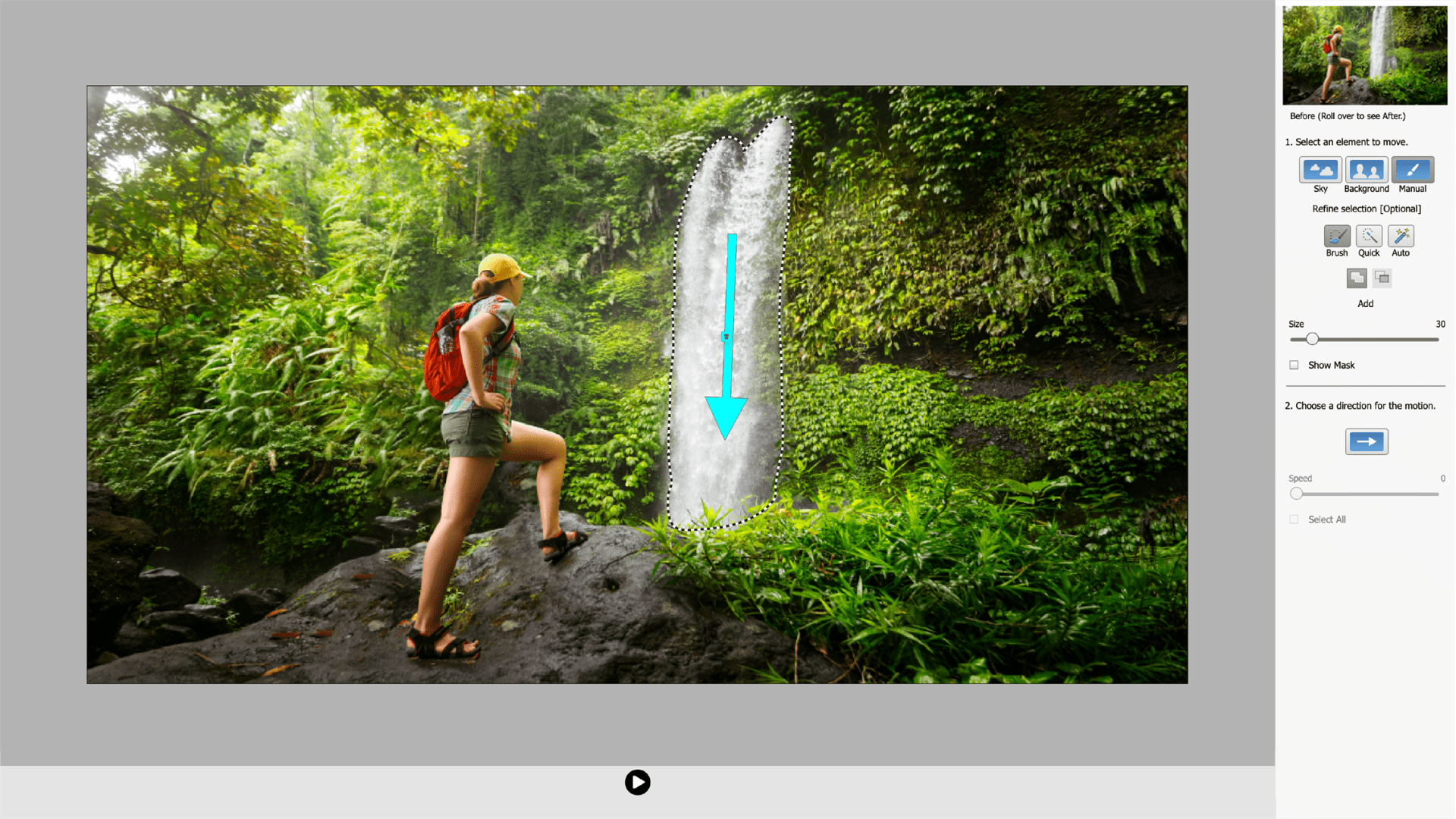
If you’re posting pics all over your socials, now’s the time to give them all the extra pizazz you muster up. Your pictures take on a life of their own with Adobe Photoshop Elements 2023. With the added hyper boost of the app’s Adobe Sensei AI technology, you’ll go from a newbie to a pro in no time. Turn your images into works of art in a snap or choose an area of an image to add movement. Learn as you go through the 61 Guided Edits, which move you through the process of creating your art-quality pieces and more.
Adobe Photoshop Elements 2023
Adobe Inc.
Diarium
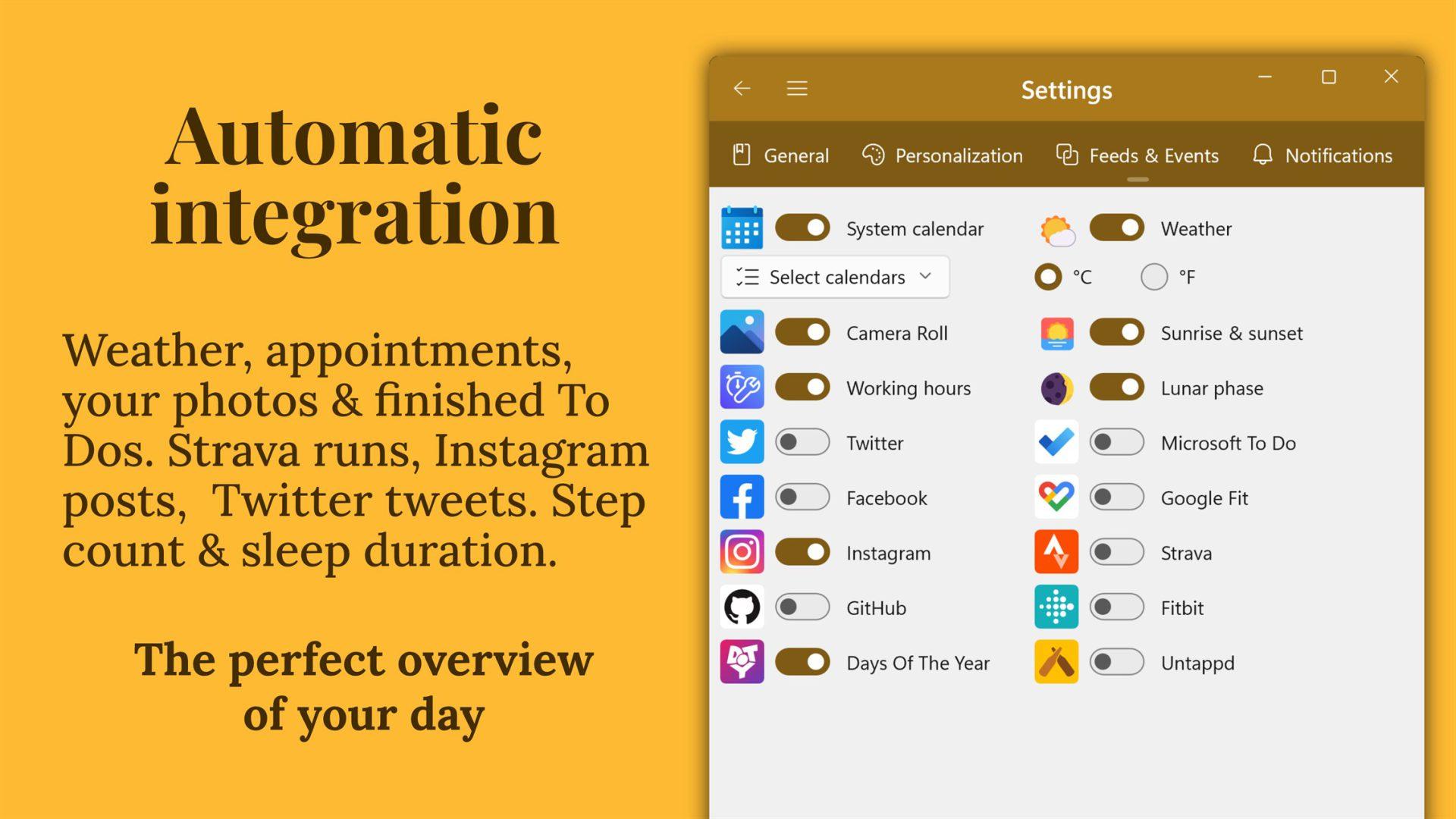
In the blink of an eye, those precious moments can escape you. With Diarium, those memories can be kept close and safe as you notate when the mood strikes. This functional journal app gives you daily reminders while ensuring that your thoughts are accessible across all your devices.* Your journal entries can include pictures, audio recordings, tags, ratings, and more. Plus, you can rest easy knowing your most private thoughts are locked via password, PIN code, and Windows Hello. Now go out and have the best summer ever while journaling moments you’ll never want to forget!
* Using the Cloud Sync on your non-Windows devices requires the “Pro version” of Diarium on the respective platform
Diarium
T. Partl
Hotspot Shield VPN – Wifi Proxy
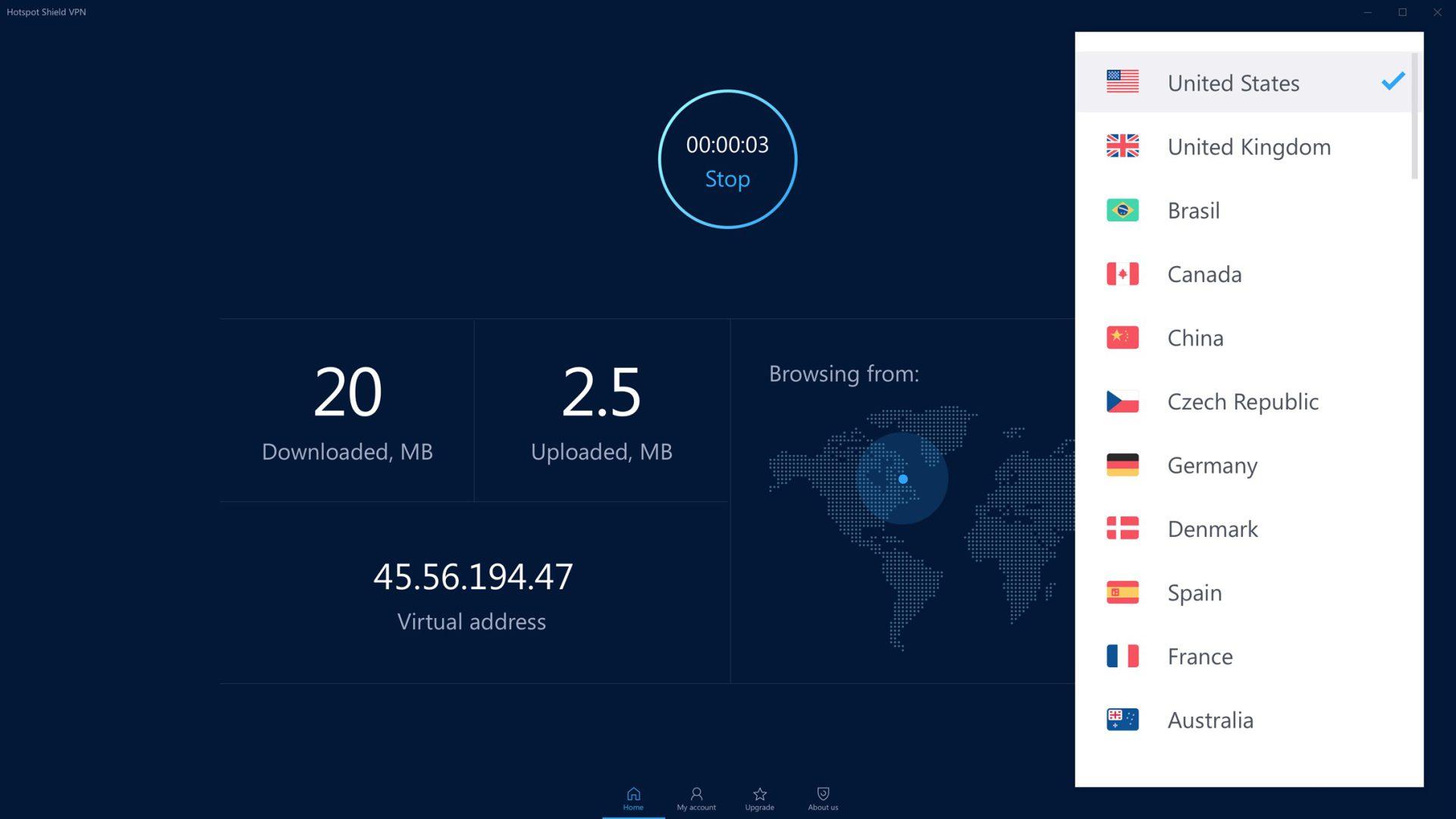
You need to feel safe when you’re on- and offline. And while you need to access all of your data and information securely, you also need to get to it fast. Hotspot Shield Free VPN boasts privacy protection over a secure VPN connection with a simple tap of the screen. Secure browsing, privacy, and connections to the speediest VPN servers in over 70 locations are all simple to access, allowing you to rest easy on your device and never miss a beat.

Hotspot Shield VPN – Wifi Proxy
Pango Inc.
Get real-world ready
Now that college is over, it’s time to enter the workforce. The idea seemed cool when you started school, but now that it’s here it may feel a bit daunting. Here, you’ll find a collection of apps that will give you a “leg up” on the job competition and a head start with “on the job” tools. Turn your Windows device into your job hunt copilot.
LiquidText
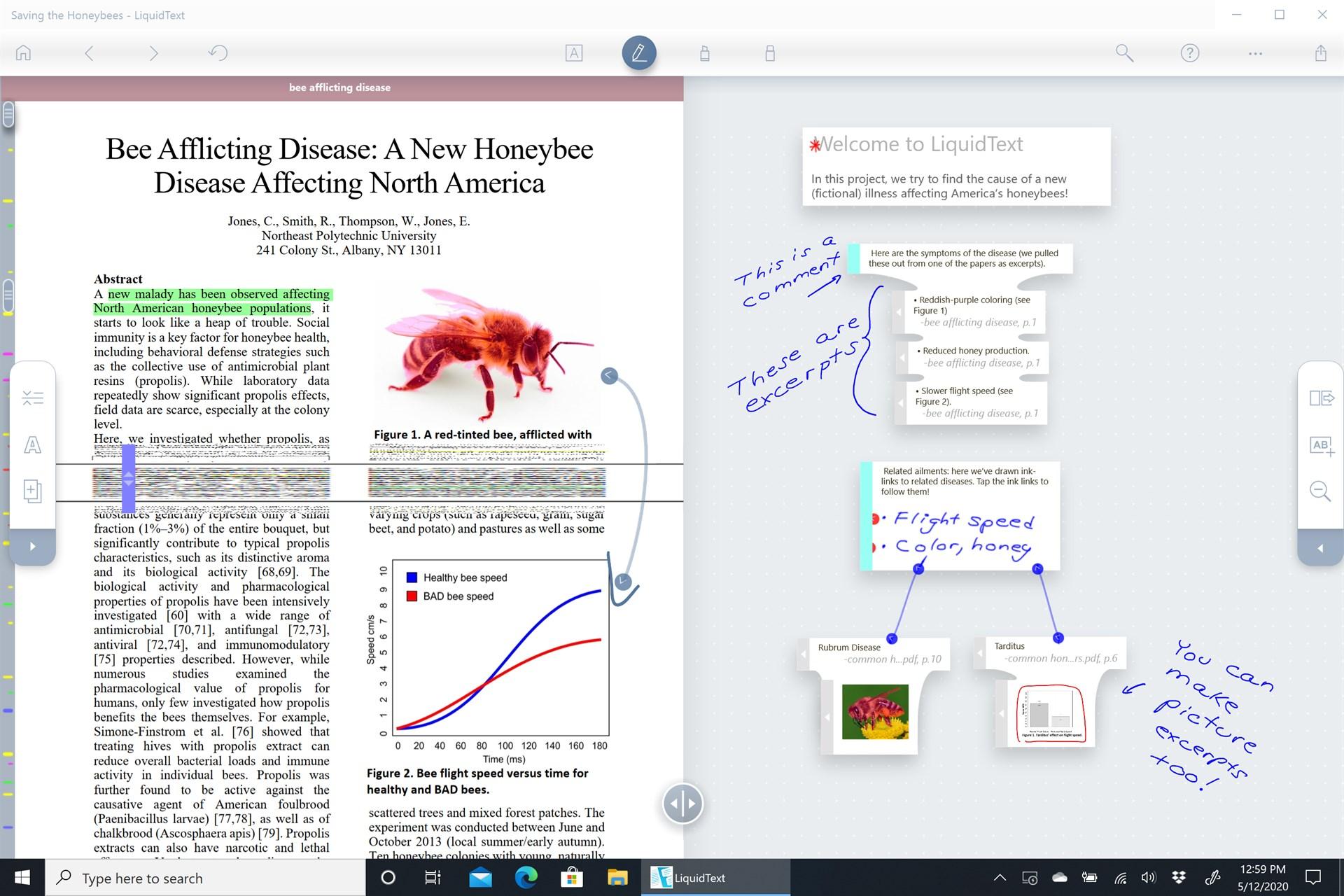
If you’re heading into a field with tons of documents, get the jump on your job hunt competition by getting familiar with and bragging about this hidden gem. Through touch with gestures and/or a stylus, you can quickly gather, organize, and review all that data and create solid, cohesive documents on LiquidText. Pinch and compare pages side-by-side, swipe key points off to the side of the page, and connect the story like you’ve never been able to do until now. Brainstorming, preparing study notes, or outlining ideas for your latest writing project made simple. Annotate the most complex documents and PDFs with ease. Go as deep as you need with a research project knowing that LiquidText is that proverbial rope you’ll need to climb your way out or wade around as you make total sense of your findings.

LiquidText
LiquidText
Canva
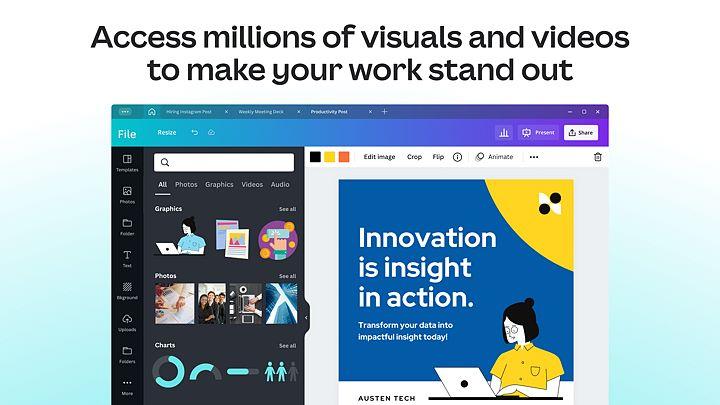
As you delve into the world of the job hunt, you’ll need to create your first official resume or tighten up your LinkedIn banner. At times you may encounter an occasional homework assignment to test out your skills. With Canva, you’ll have the ultimate design toolkit with beautiful, editable templates at your disposal. Familiar with Canva? You’ll find everything you love about it and more is now available in a beautiful Windows desktop app. Set yourself free from browser tab overload. With the Canva desktop app you now have a distraction-free space to focus on your designs, keep all your work organized, and collaborate effortlessly with others as you get second (and third) opinions.
Canva
Provided and updated by Canva
Slack
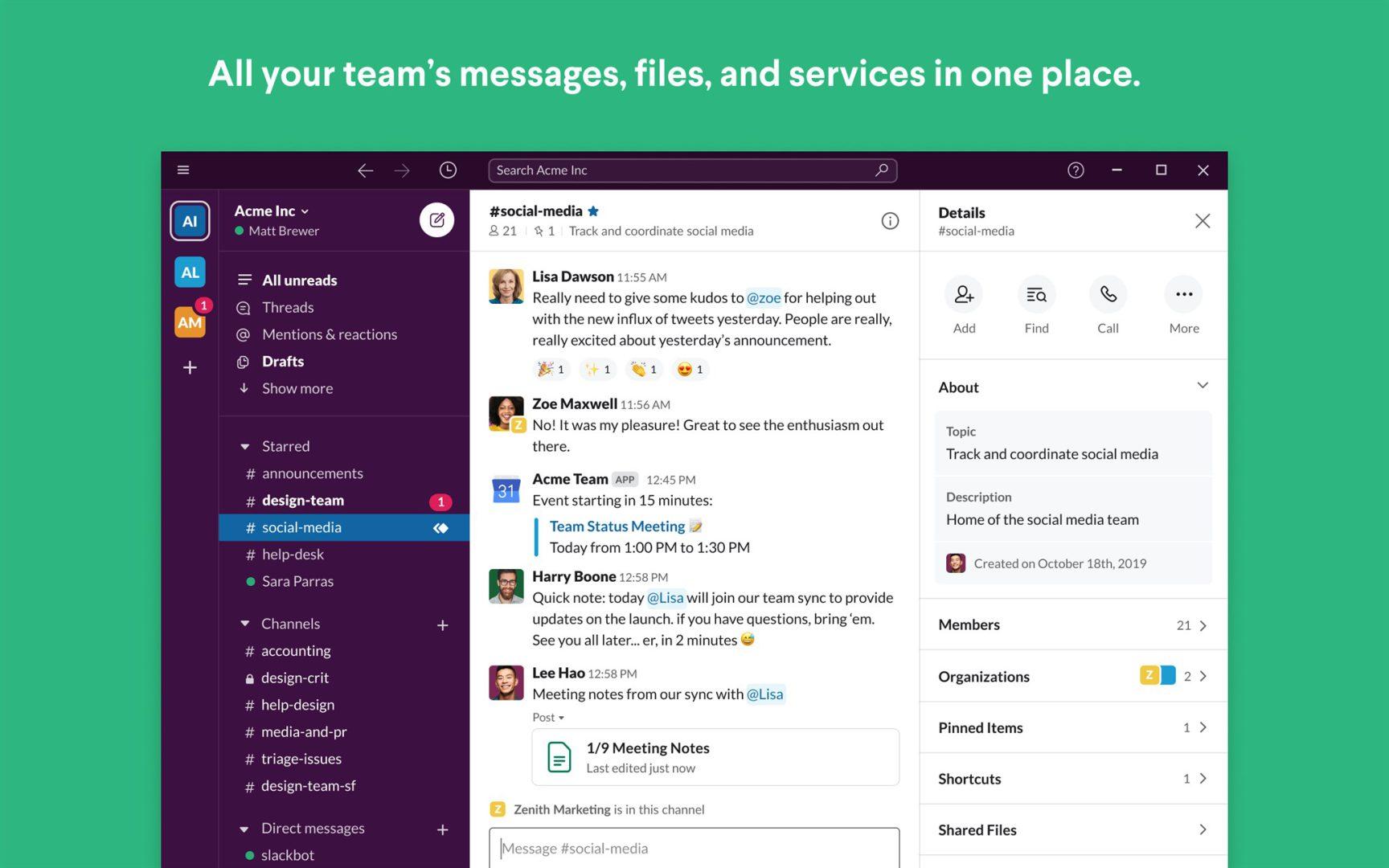
If your school didn’t use a communication and collaboration tool, this is the perfect time to familiarize yourself with Slack. This popular app allows you to chat with your team and organize your discussions. Check off your to-do list and move your projects forward by bringing the right people, conversations, tools, and information together. Then, customize your notifications to stay focused. Slack is available on any device, so you can find and access your team and your work, whether you’re at your desk or on the go.

Slack
Slack Technologies Inc.
getHired
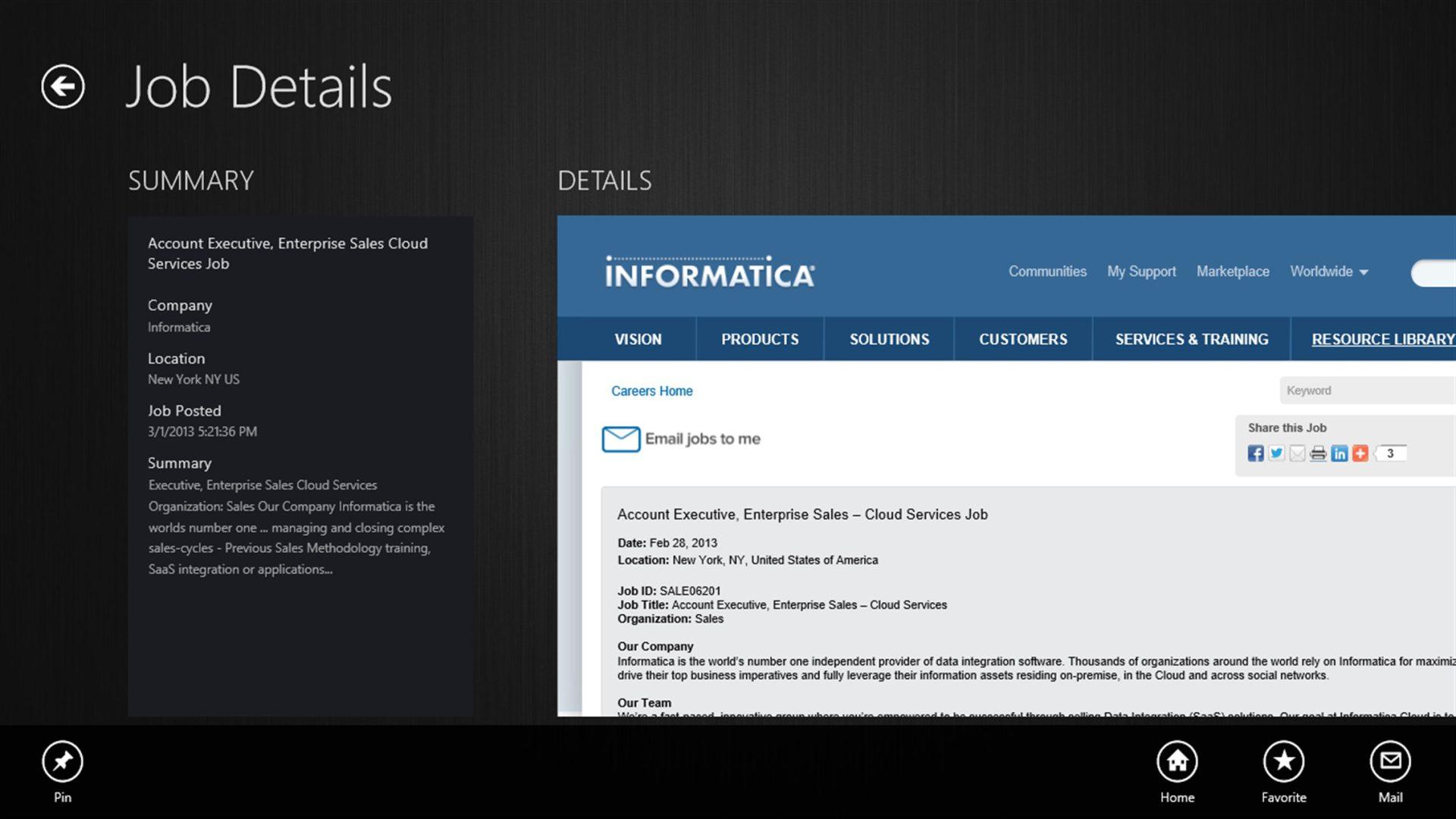
Already, feeling overwhelmed with the job search? Simplify the hunt with getHired, an easy job search app that aggregates job listings from a variety of job sources. Just enter what you are looking for and the app retrieves job postings from eight employment search engines (i.e., SimplyHired, Indeed, Careerjet, LinkUp, Juju, CareerBuilder, USAJOBS and JobServe) across more than 60 countries and displays them in an easy consolidated view. You’ve got this.

getHired
AppSplice
Microsoft 365 Personal

Microsoft 365 Personal is par for the course when it comes to productivity software. Even better, with this version you will have access to your work on Microsoft Office apps (i.e., Word, Excel, PowerPoint, Outlook, Teams, and OneNote) on up to five devices and/or in the browser of your choice. Plus, you automatically receive 1TB of cloud storage so you can save and share files and photos across your device(s) on OneDrive. You’re always connected and can rest easy knowing you’re covered with advanced security protection.
Microsoft 365 Personal
Microsoft Corporation
In addition to apps, if you’re a recent graduate who loves to dabble in the latest technology, get your feet wet with Bing Chat on AI-powered Microsoft Edge. No question is too complex. Inspiration is boundless. Get summarizations and answers to the content viewed online, while easily exploring the web without losing your Chat. Plus, you can compare products in your sidebar or create a table to visually compare. While you’re at it, get the best deal as you shop. Bing Chat is constantly evolving as Microsoft promises to deliver a mobile version and a densely worded document summarization feature.