
Staying Productive

3 apps to make your first semester of college easier

Craft

Cfrat
BIG ON IMPACT, SMALL ON EFFORT

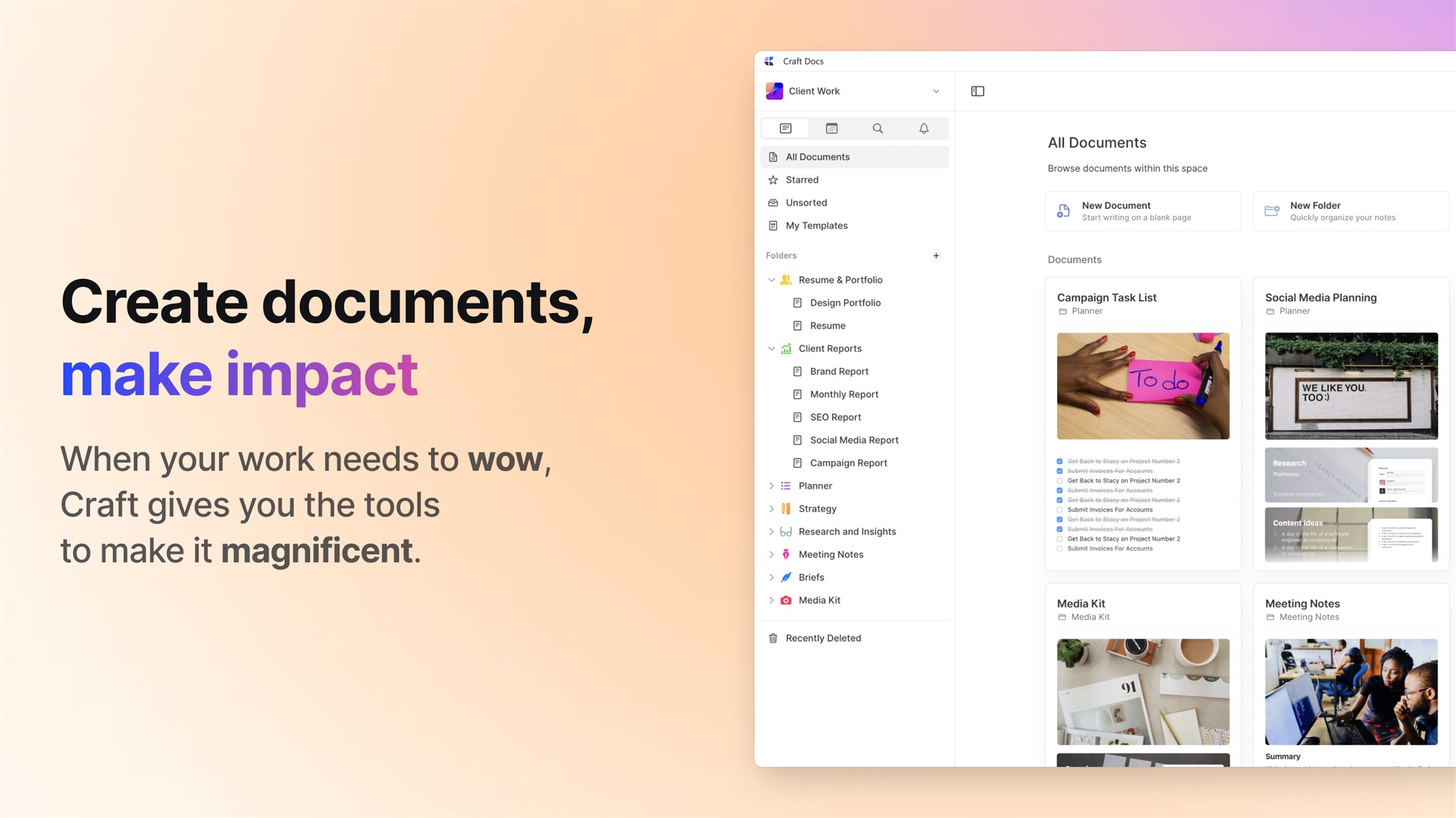
Organizing your workflow, writing your report, creating your code or mapping your masterplan; whatever you’re doing, the freedom to do it your way matters. Just click and create amazingly beautiful docs in minutes, then bring it all together in your own personal way.

With Craft, your team will be creating work that elevates your output and making an impact where it counts. Dozens of beautiful templates, a fabulously feature-rich toolbox and endless ways to create your own unique way. An award winning app trusted by millions.

LiquidText

LiquidText
Named Editor’s Choice by Microsoft Store – Best Productivity Product

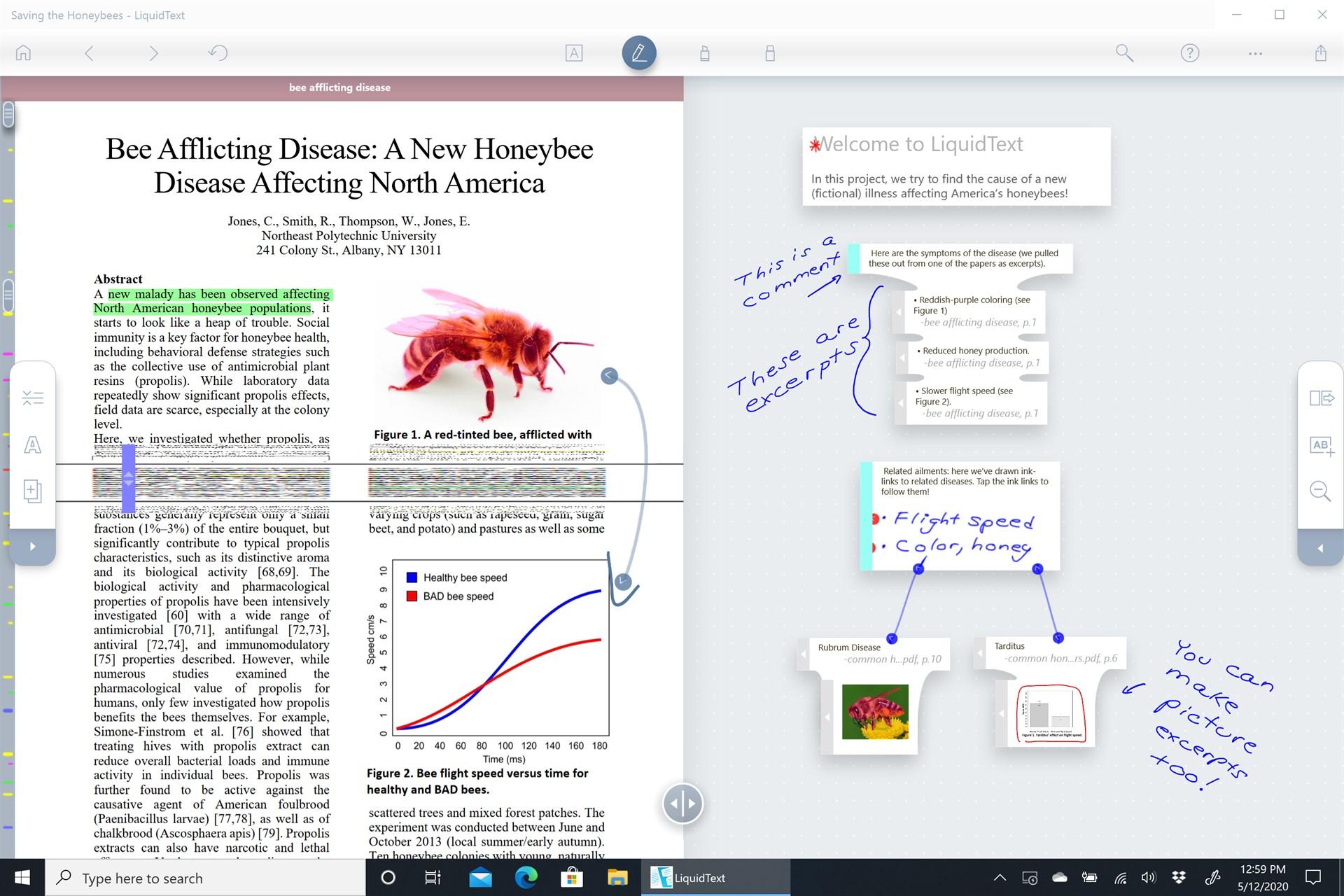
LiquidText offers a fast, natural way to review, gather, and organize information across all your documents: then apply the results to writing reports, meeting prep, or simply studying.

Pull out key facts and connect them together, squeeze a document to compare sections, draw a line to connect ideas in different documents, comment on multiple pages at once, build upon your thoughts, and much more.

iA Writer

iA Writer

Provided and updated by Information Architects GmbH

Get iA Writer
LiquidText
Named Editor’s Choice by Microsoft Store – Best Productivity Product

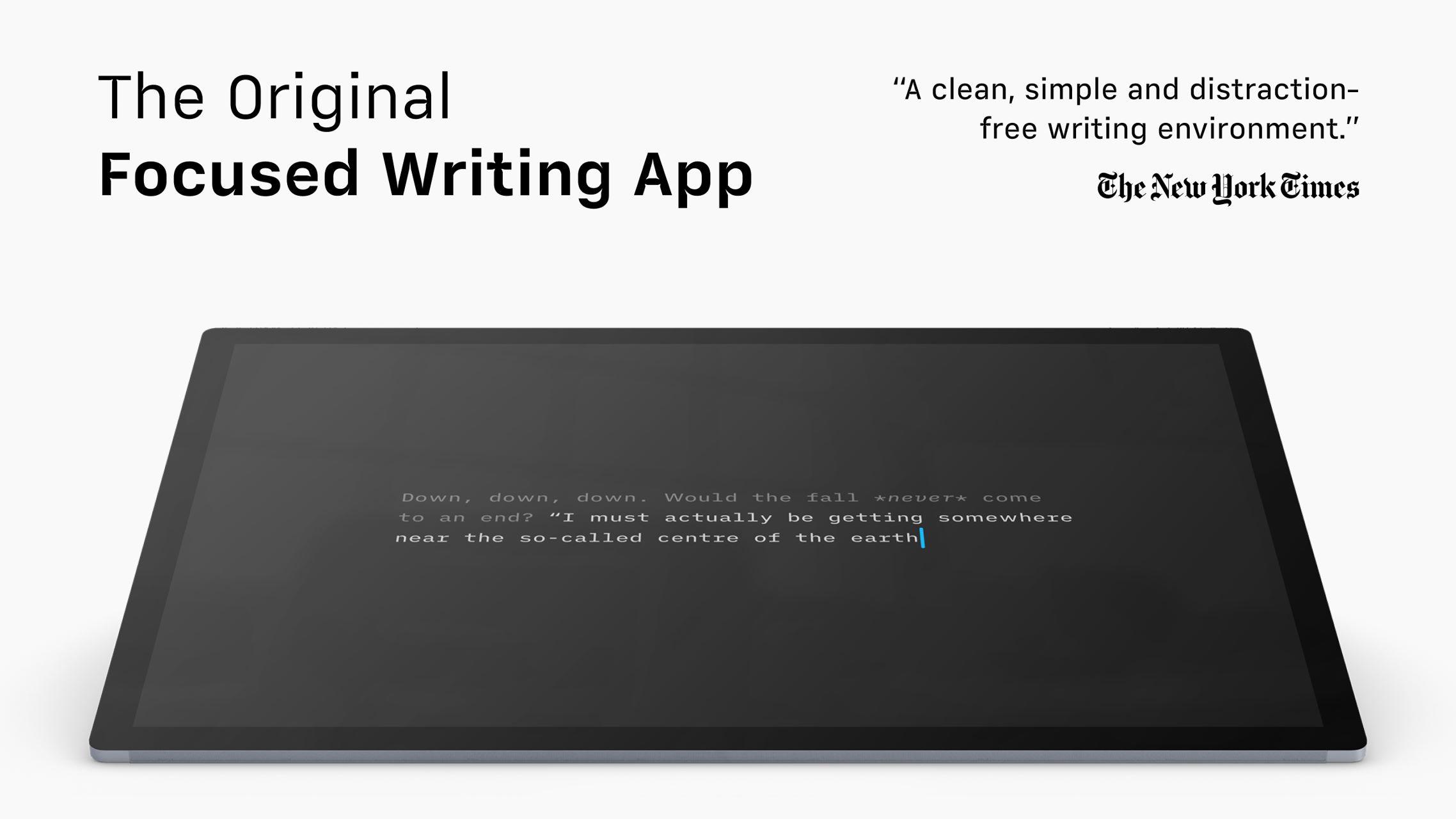
The Simple Writing App iA Writer removes distractions. Giving you a calm, focused, writing space, so you can express yourself clearly. Focus Mode dims everything but the current sentence or paragraph, helping you stay in the flow.

Don’t worry about the format. First, write in plain text. Then preview in HTML. Search, sort, and quickly swap between documents from different clouds. iA Writer includes an inverted light-on-dark-mode, perfect for working day and night.

Spot superfluous adjectives, weak verbs, repetitive nouns, false conjunctions and clean your text of the usual rumble. Customize your templates and export to HTML, Microsoft Word (.docx), or PDF. Embed links, pictures, tables and text files in plain text and see them in preview.

Â