Check out apps for creating, sharing, and listening to podcasts
Are you constantly finding really cool and interesting podcasts about each of your interests? Is your brother constantly telling you that you have to listen to some random podcast that he can’t miss? Or are you just in the dark on podcasts and you don’t know where to start because the options seem endless.
Microsoft Store on Windows has a variety of apps that can help you discover, curate, create, edit, and disseminate podcasts, whether you’re a listener, a creator, a lurker, or all three. Below, check out our list of carefully collected apps that will get you right in the mix of podcasts.
FluentCast
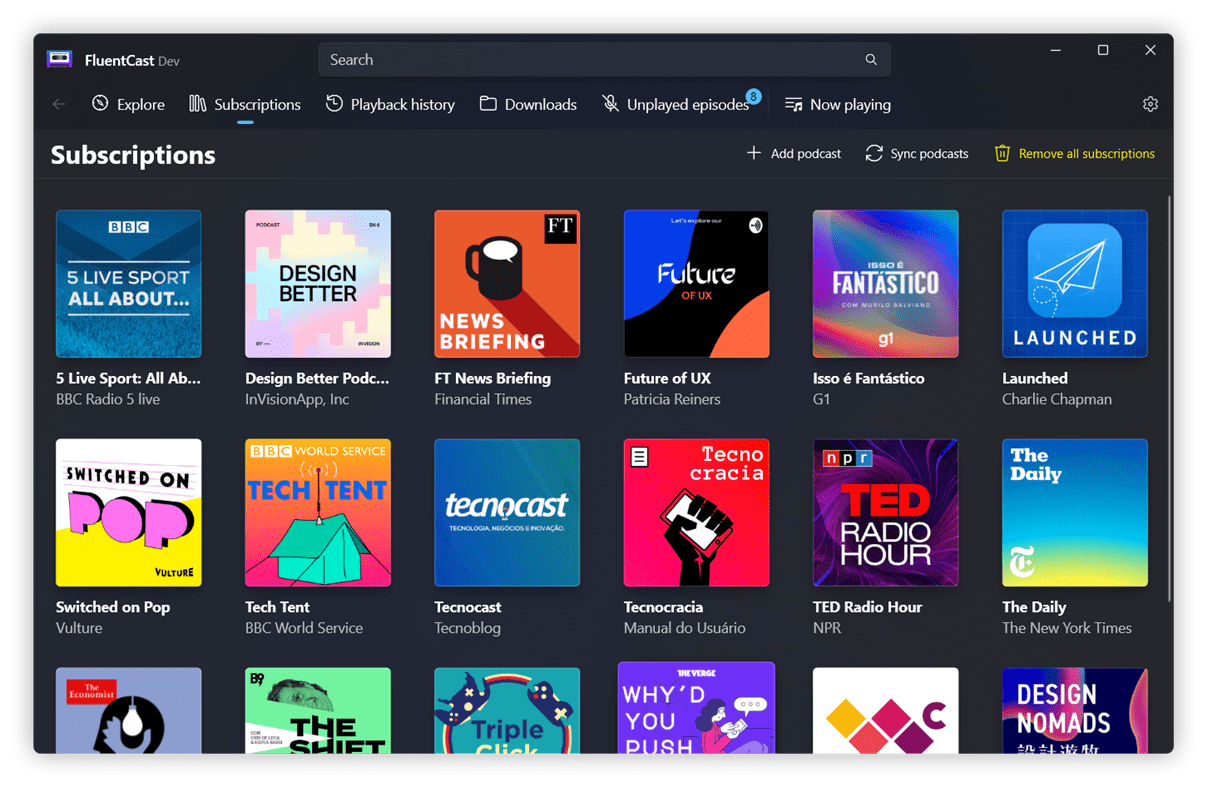
Technology. Arts. Comedy. Politics. The genres of topics you can discover on FluentCast feel endless as you seek podcasts reflective of your specific tastes and interests. The fluent design user interface (UI) allows you to easily discover iTunes’ massive inventory paired with automatic downloads and the latest episode notifications. Plus, the app offers video support, picture-in-picture viewing, and playback history. If you’re a creator, simply import and export your own podcasts as an OPML file.
FluentCast
Luandersonn Airton
TuneIn Radio
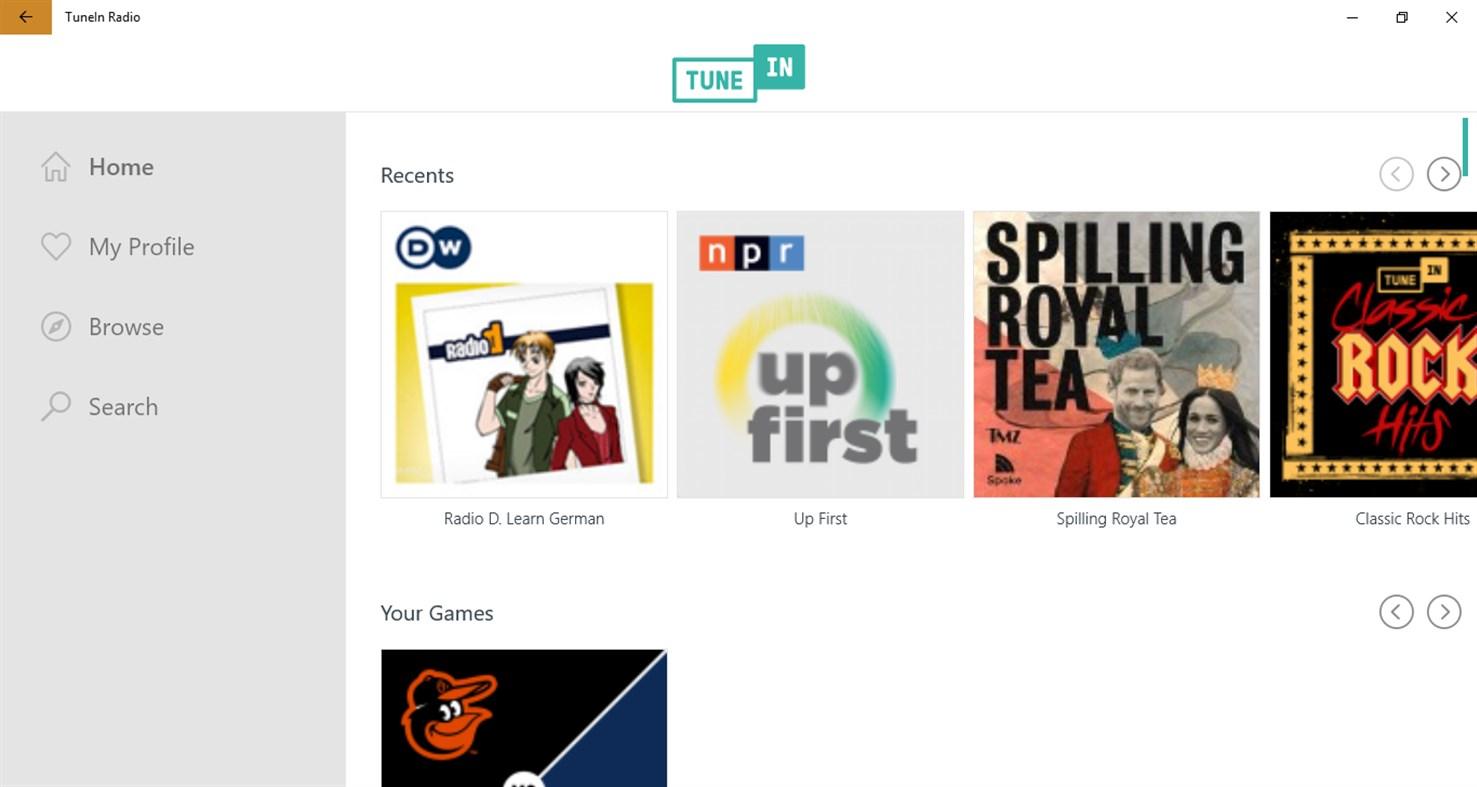
It’s all the way live with TuneIn Radio. Don’t miss a second when you can listen to live podcasts from across the globe. Plus, you can find the news you trust 24/7 from local, national, and international sources along with live sports, music, and over 100k radio stations. Never miss a game or match when you can get the live play-by-play, along with sports talk podcast episodes. There’s always room for the latest and greatest podcast series.

TuneIn Radio
TuneIn
Descript
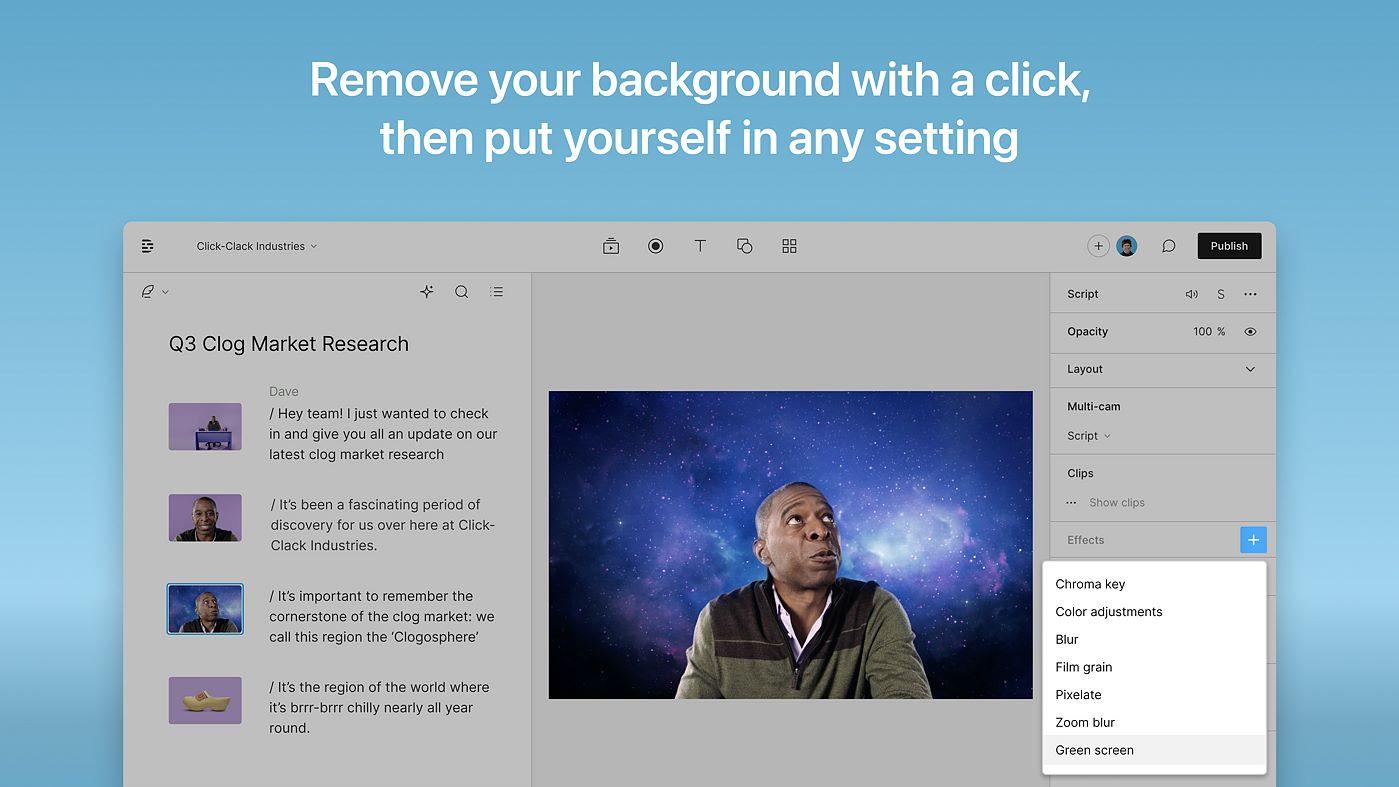
If you’re a bit hesitant to start that podcast your friends and family keep encouraging you to kick off, Descript is here make the overwhelming production tasks super easy. This all-in-one editor allows you to upload your content or load it directly into the app. In a snap, transcribe your file into text and then tweak the text to directly edit your clips. These transcriptions are not only fast, but accurate. Its automatic speaker detection makes it even easier. Filler words. Silence gaps. And all the “uhms,” gone with single click. Plus, you can record your screen and webcam, edit mistakes in seconds, and publish right away.

Descript
Provided and updated by Descript
Amazon Music
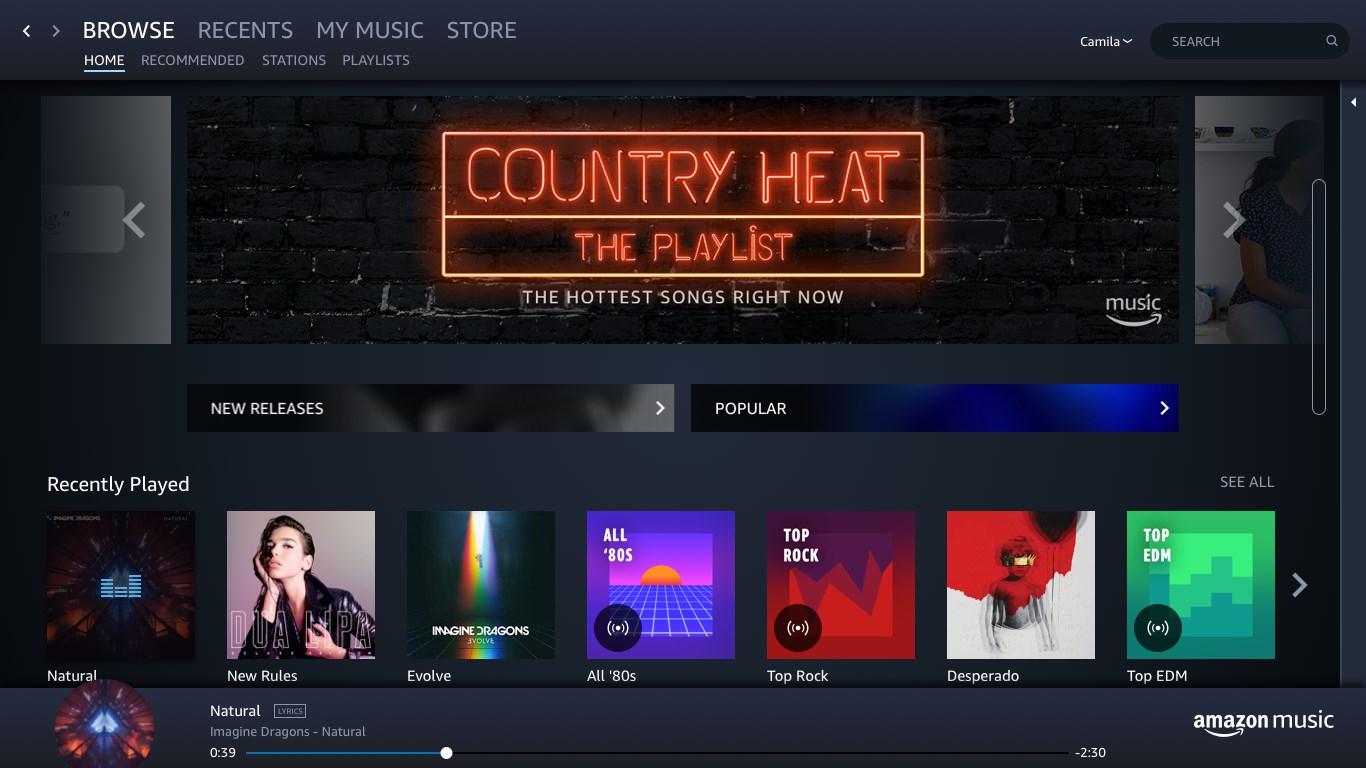
Don’t let the name fool you. While Amazon Music offers the full gamut of musical options, you also have access to millions of podcast episodes. You’ll have your pick of any topic that interests you including true crime, news, society and culture, parenting, history, comedy, and more. Plus, you’ll have early access to some of the most popular podcast series available. Based on your listening preferences (e.g., ad-free, offline listening, individual vs. family plan), choose between Amazon Music Free, Amazon Music Prime, and Amazon Music Unlimited.

Amazon Music
AMZN Mobile LLC
SoundCloud
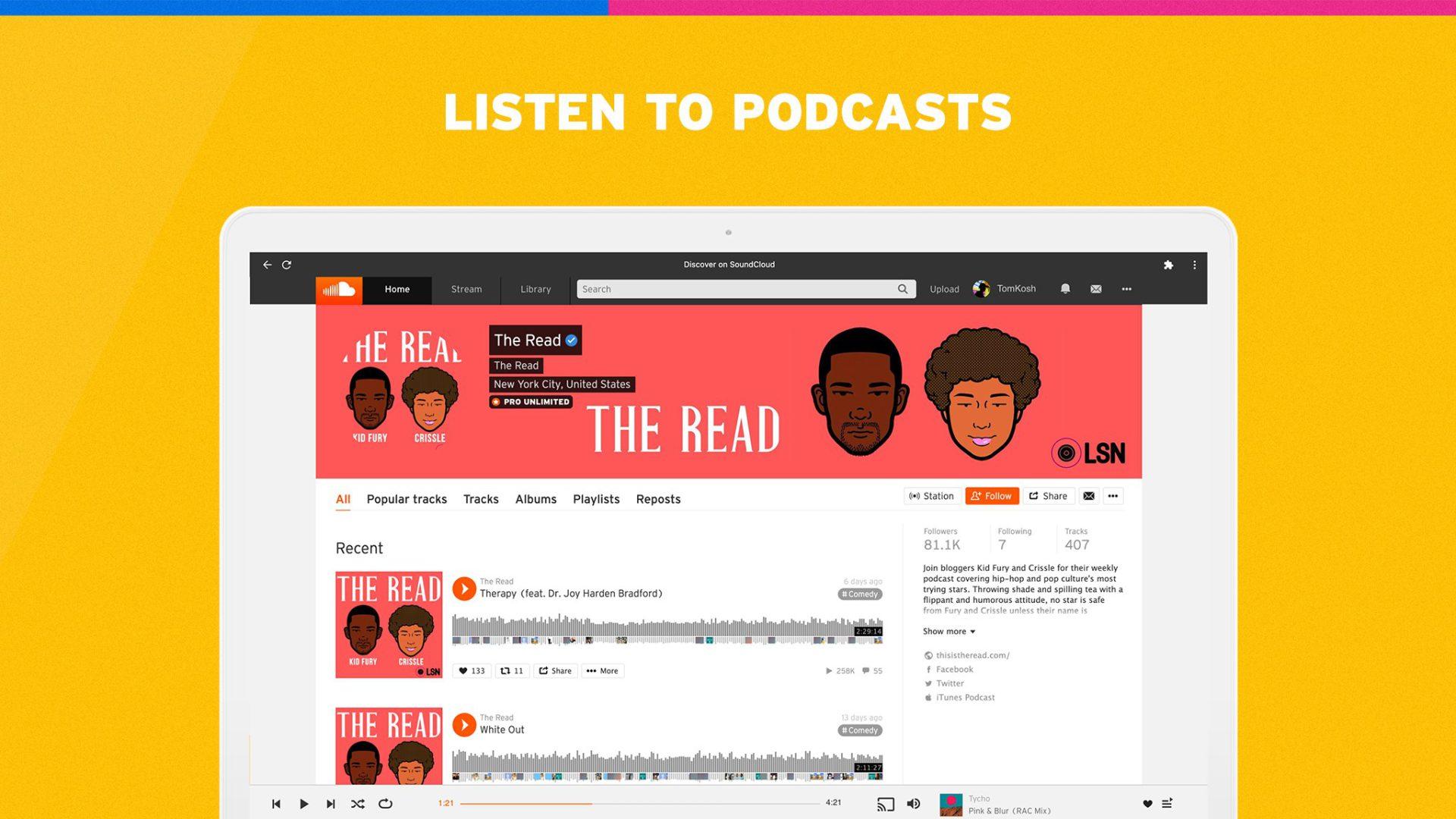
To be clear, SoundCloud is more than meets the eye. This global community opens up your world of discovery and being discovered, beyond new and exciting music. Find and join like minds amongst millions of emerging and established podcasters along with DJs and artists. Plus with SoundCloud Charts, you can always be the first to know about the best podcasts in all the interest-based categories. You can connect with your favorite podcasters or, after you upload your content, connect with your top fans. You’re in control.
SoundCloud
SoundCloud Global Limited & Co. KG
iHeart: Radio, Podcasts, Music
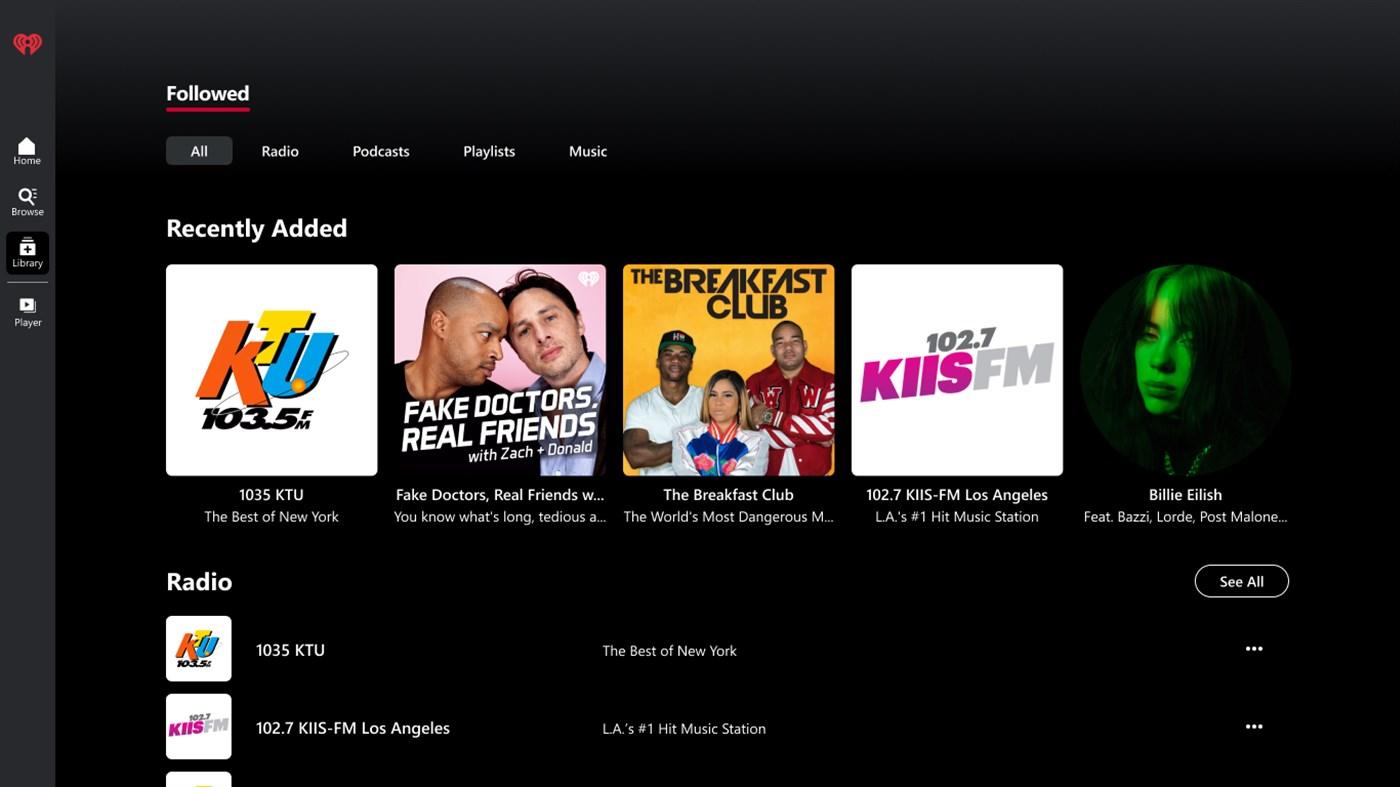
If you want to stream unlimited podcasts, check out iHeart. Seriously, the app showcases some of the most popular podcasts (e.g., TED, How Stuff Works, ESPN, NPR) plus your favorite personalities (e.g., Anna Faris, Joe Rogan, Chelsea Handler, Dax Shepherd, Ben Shapiro). The app’s podcast player allows you to use a playback of 0.5x, 1x, 1.25x, 1.5x, and 2x, so if don’t think you have time to listen in, you can make the time.

iHeart: Radio, Podcasts, Music
iHeartMedia
Windows Sound Recorder
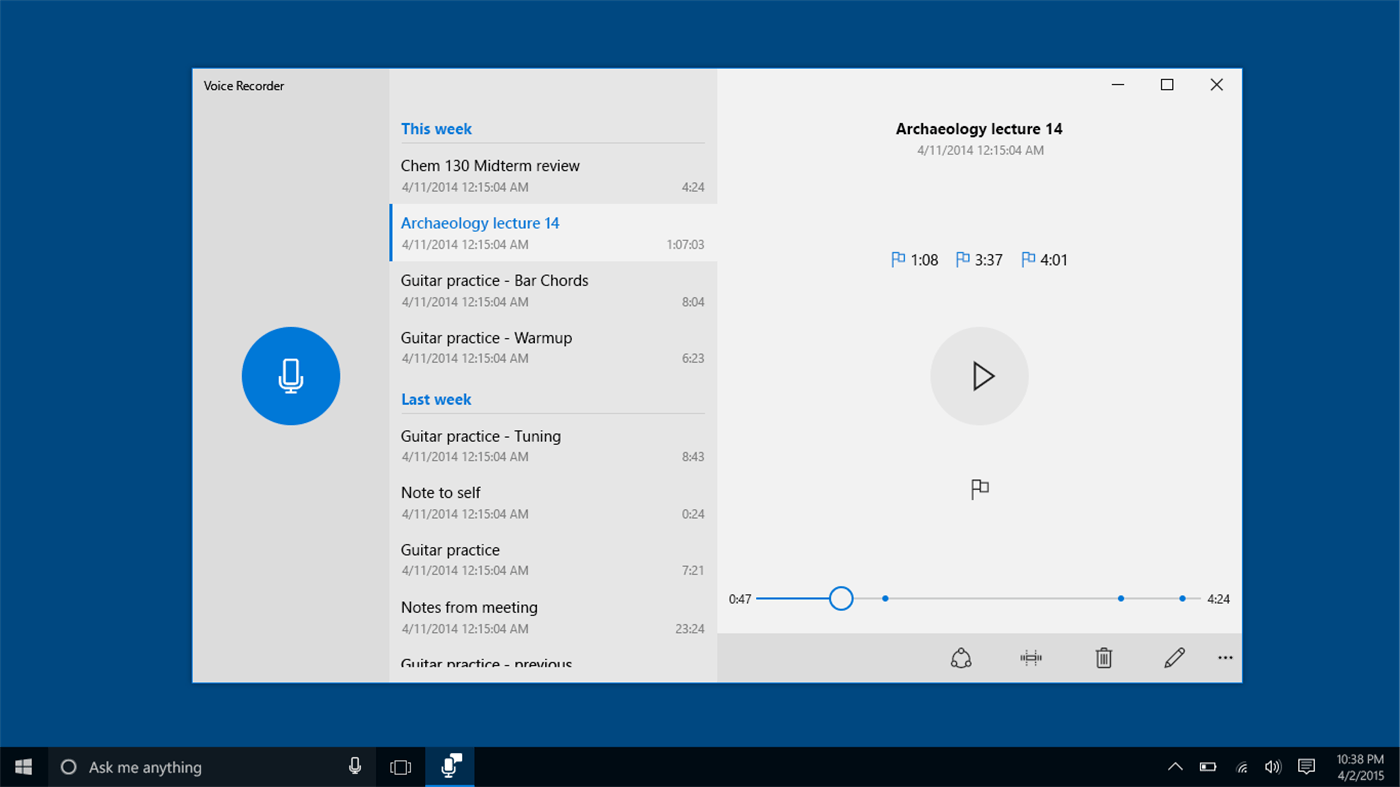
So you’ve got into the podcast game, and you’re searching for that “secret weapon.” In comes Windows Sound Recorder. If you’re interviewing someone, sometimes you just don’t want to ask them to repeat (their in the zone, after all). You may shock yourself and say your most profound quote to date, but repeating it is impossible. This universal app for your Windows devices allows you to start and pause a recording in one click. Plus, content is automatically saved to your documents folder. Playback, trim, and mark key moments in your recordings, while never missing a beat.

Windows Sound Recorder
Microsoft Corporation
CapCut
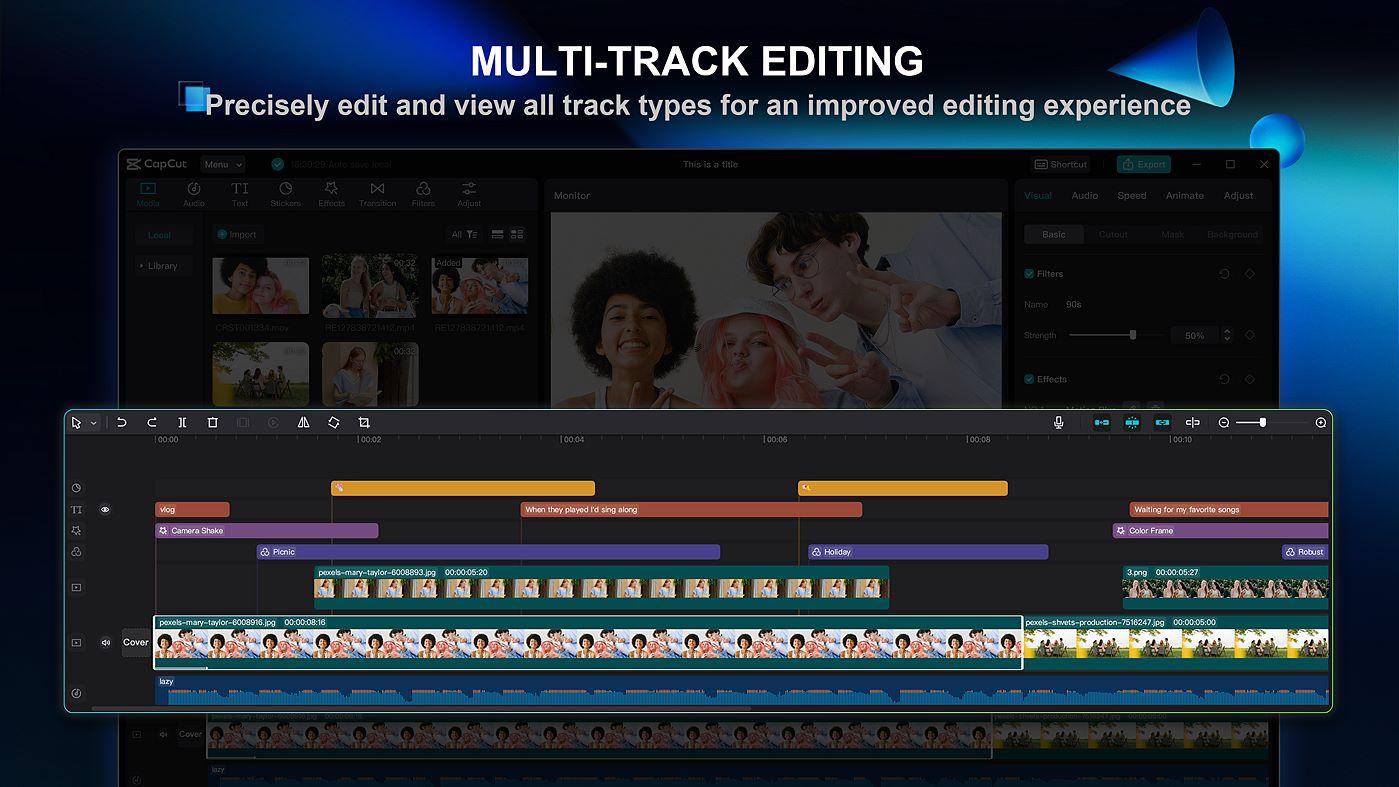
Video editing may just become your favorite part of podcast production with the free, all-in-one app, CapCut. Advanced functions come right to your fingertips, including keyframe animation, smooth slow motion, chroma key, and stabilization. Capture and snip shareable moments that drive your podcast story, while adding auto captions, text-in-speech, motion tracking, and background removal. Also you can apply trending effects (e.g., Glitch, Blur, 3D) as well as cool modifications in music and sound. There are so many simplified, professional-grade features in this app that you will walk away looking like the ultimate podcast authority when you’re done.

CapCut
Provided and updated by Bytedance Pte. Ltd.
Spotify – Music and Podcasts
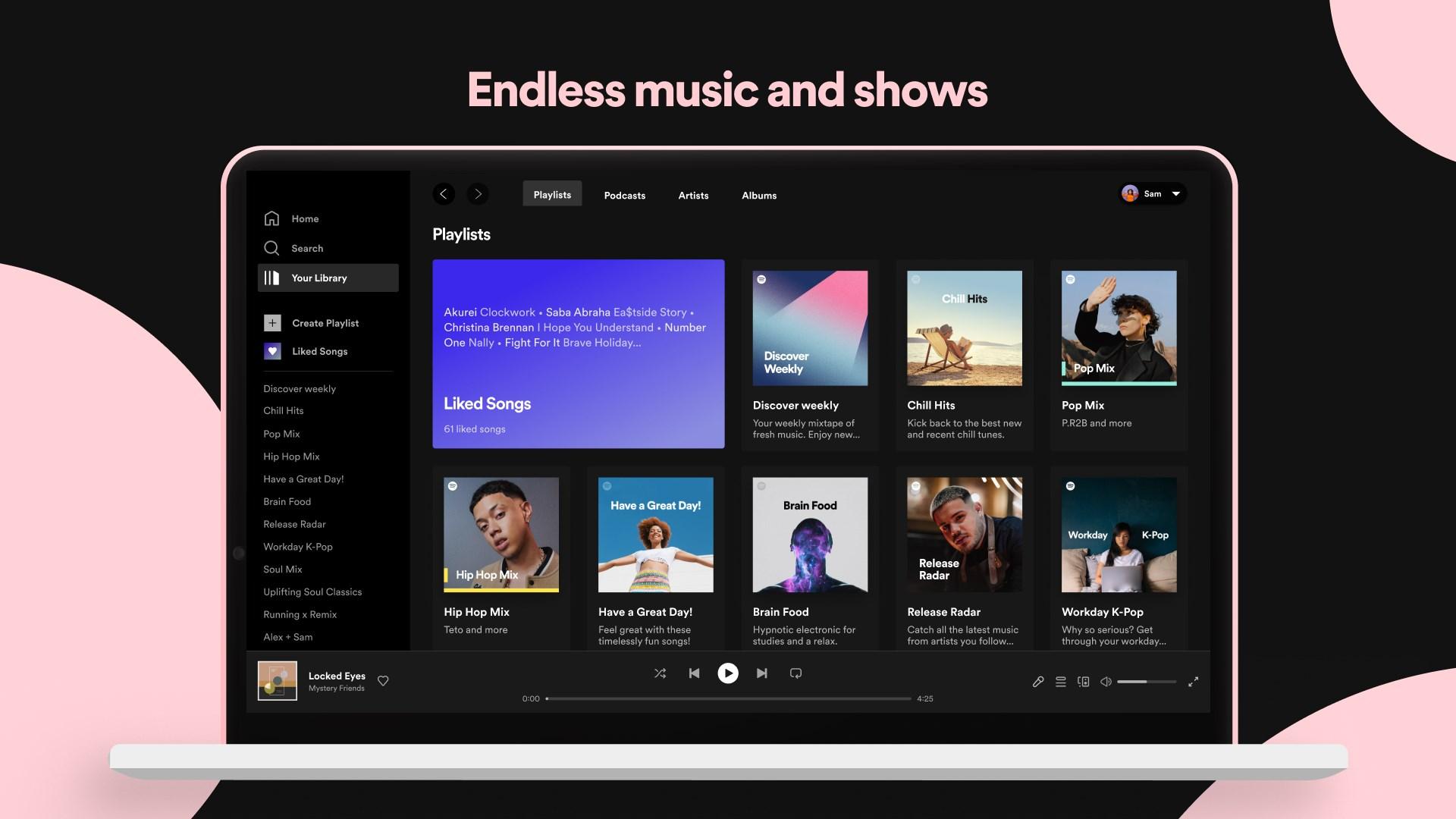
Whether you’re on the road, the air, the sea, or the couch, you won’t miss a valid point, an opinion, or the ultimate podcast moment with Spotify. Enjoy access to a seemingly endless number of podcast episodes to suit your every mood. Listen in on thousands of series, many of which you can only find on this fan-favorite app. You’ll even discover video podcasts that you can watch directly in Spotify or get sucked into your latest read through one of their many audiobooks. Enjoy with an occasional ad or go ad-free through its premium service. The choice is yours.

Spotify
Spotify AB