By Pete Brown, Giorgio Sardo, General Manager, Microsoft Store
Since launching the new Microsoft Store on Windows last year, we’ve welcomed thousands of great desktop apps and games. We’re excited to introduce the Microsoft Store Community Choice Awards, which are nominated by the community, and will soon also share the Microsoft Store Editor’s Choice Awards, which are apps recognized by Microsoft. Although gaming is always incredibly important to us and our customers, for these awards, we’re focused on apps.
Microsoft Store Community Choice Awards
Earlier this year, we asked you to nominate your favorite apps in the Microsoft Store on Windows, and then to vote on the qualifying apps earlier this month. Thank you for helping us to recognize these great apps in the Store!
Utility Category
The Utility category is to recognize apps that help automate tasks, diagnose issues, record of share your screen, navigate drivers, and more. When you use these apps, they are indispensable.
Winners
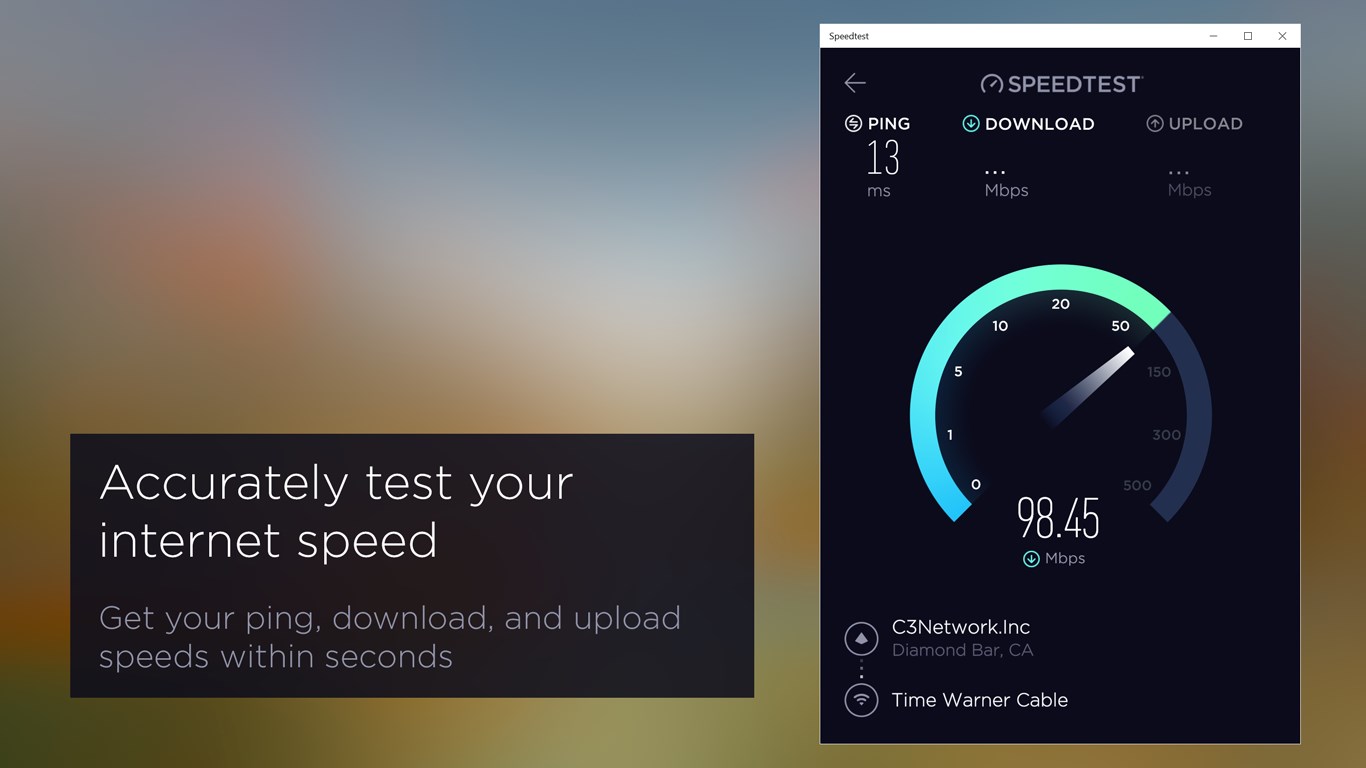
Congratulations to the winners of the Utility category: ShareX and Speedtest by Ookla!
Finalists
- 2fast – Two Factor Authenticator Supporting TOTP
- Fluent Screen Recorder
- MyASUS
- Screenbits – Screen Recorder
- ShareX
- Speedtest by Ookla
- Torrex Lite – Torrent Downloader
- Visum Photo Viewer
- Wifi Analyzer
The finalists were all nominated by the community, so be sure to use the links above to download these and try them out!
File Management Category
The apps in this category help manage files on your Windows PC, by viewing and sorting, editing metadata, converting, compressing, and much more. These are the ones you told us were the most important to you:
Winners
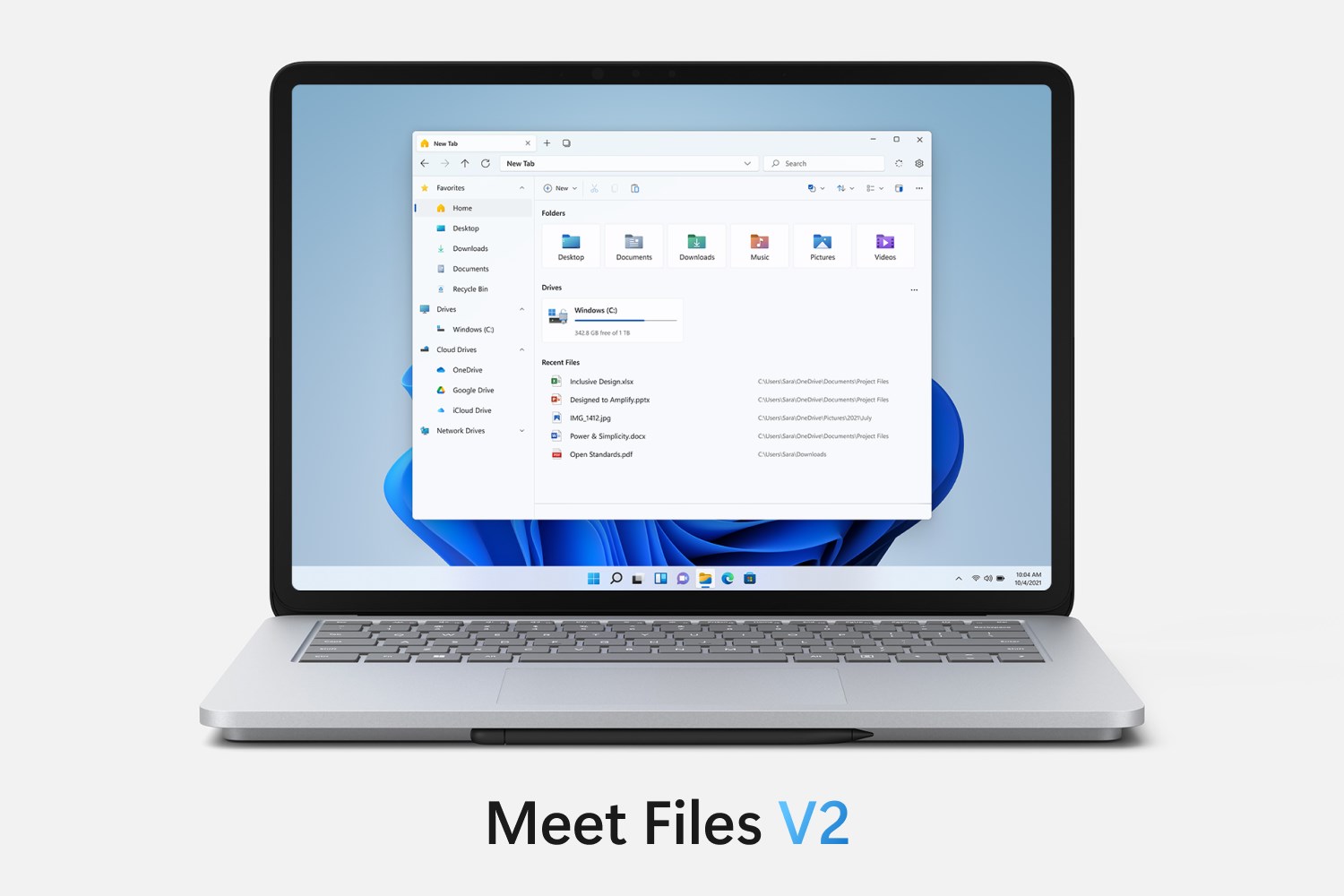
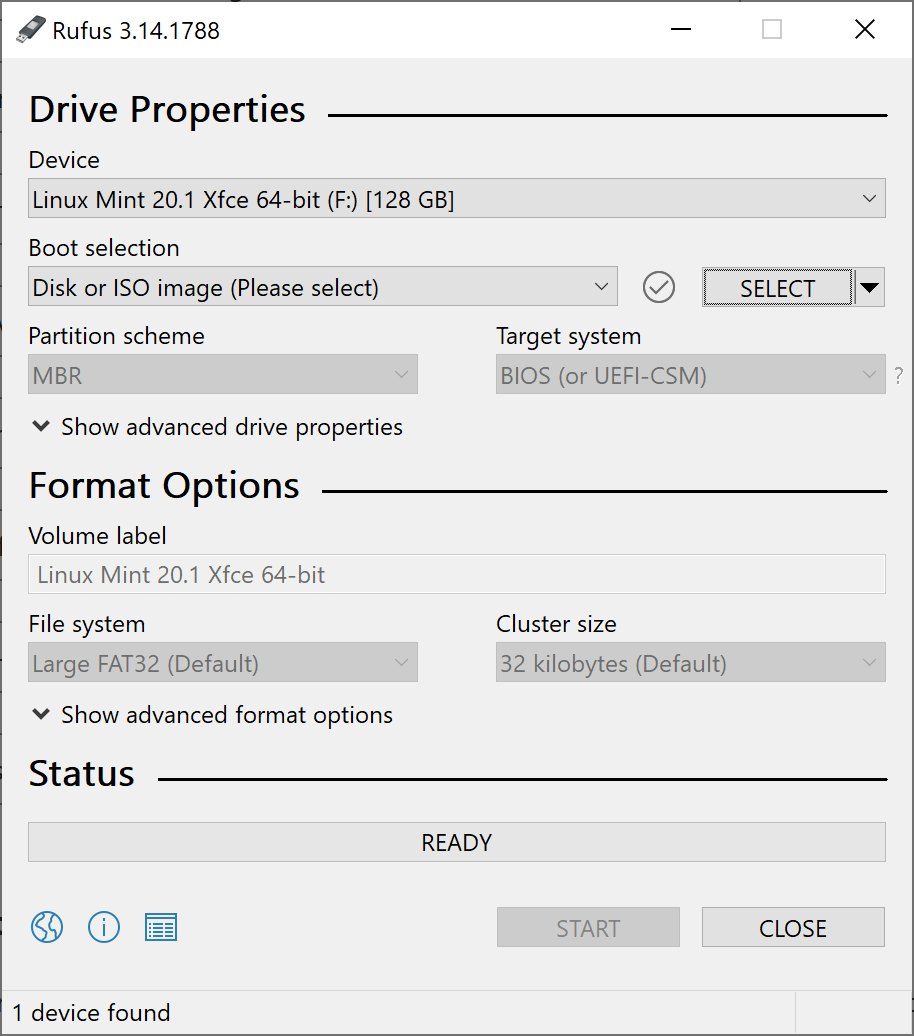
Congratulations to the winners Files App and Rufus!
Finalists
- 8 Zip
- Files App
- HEIC to JPEG
- IrfanView64
- Metro Commander
- Mp3tag
- NanaZip
- One Commander
- QuickLook
- Rufus
- Shrestha Files Pro
File management is a key part of any productivity workflow, so be sure to try out these apps yourself!
Open Platform Category
Windows is an open platform for innovation. We know that not every customer uses Windows in the same way — some want to modify different parts of the UI or make some features more accessible for them. These are the apps you said turn Windows into your Windows.
Winners
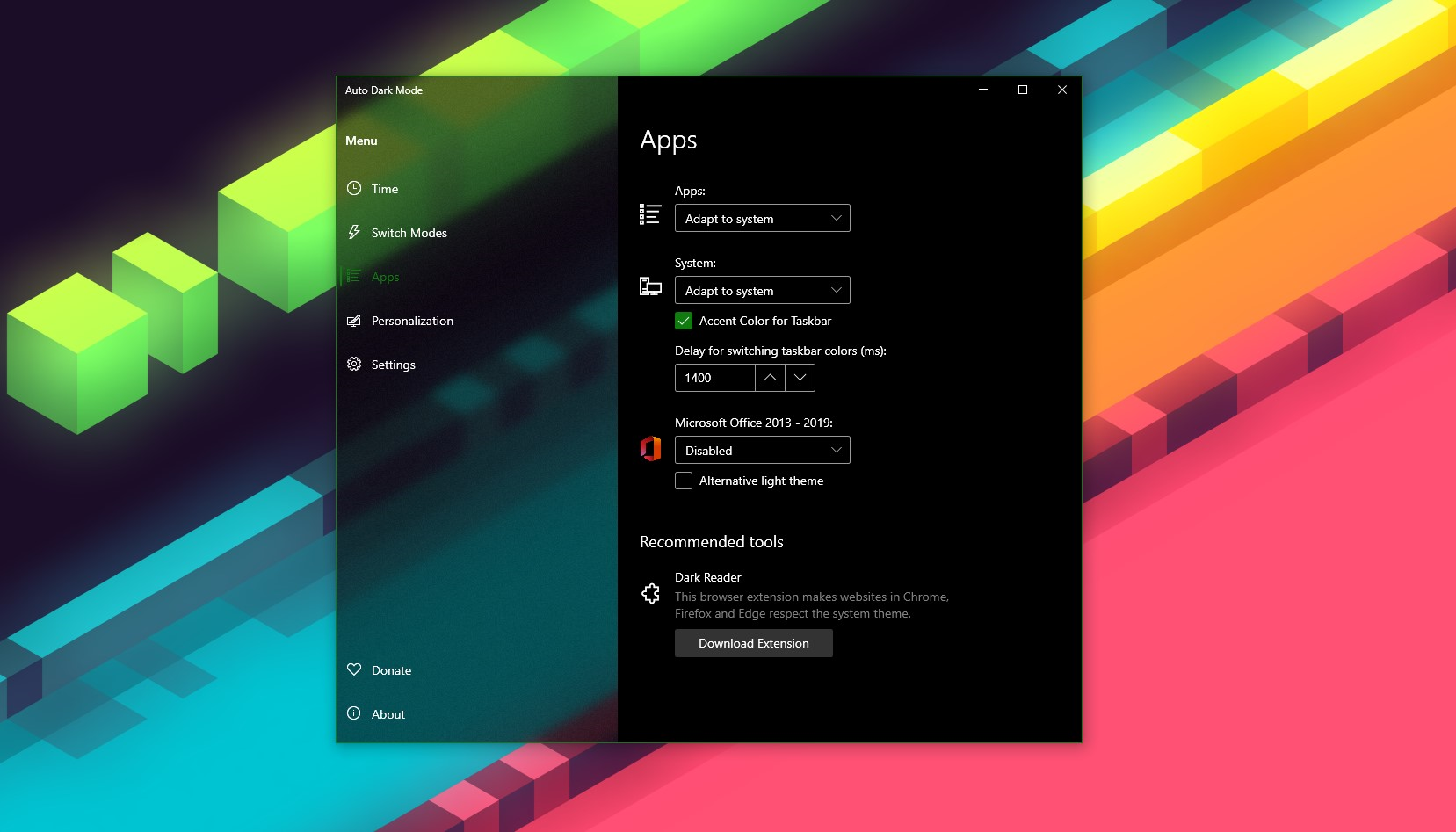
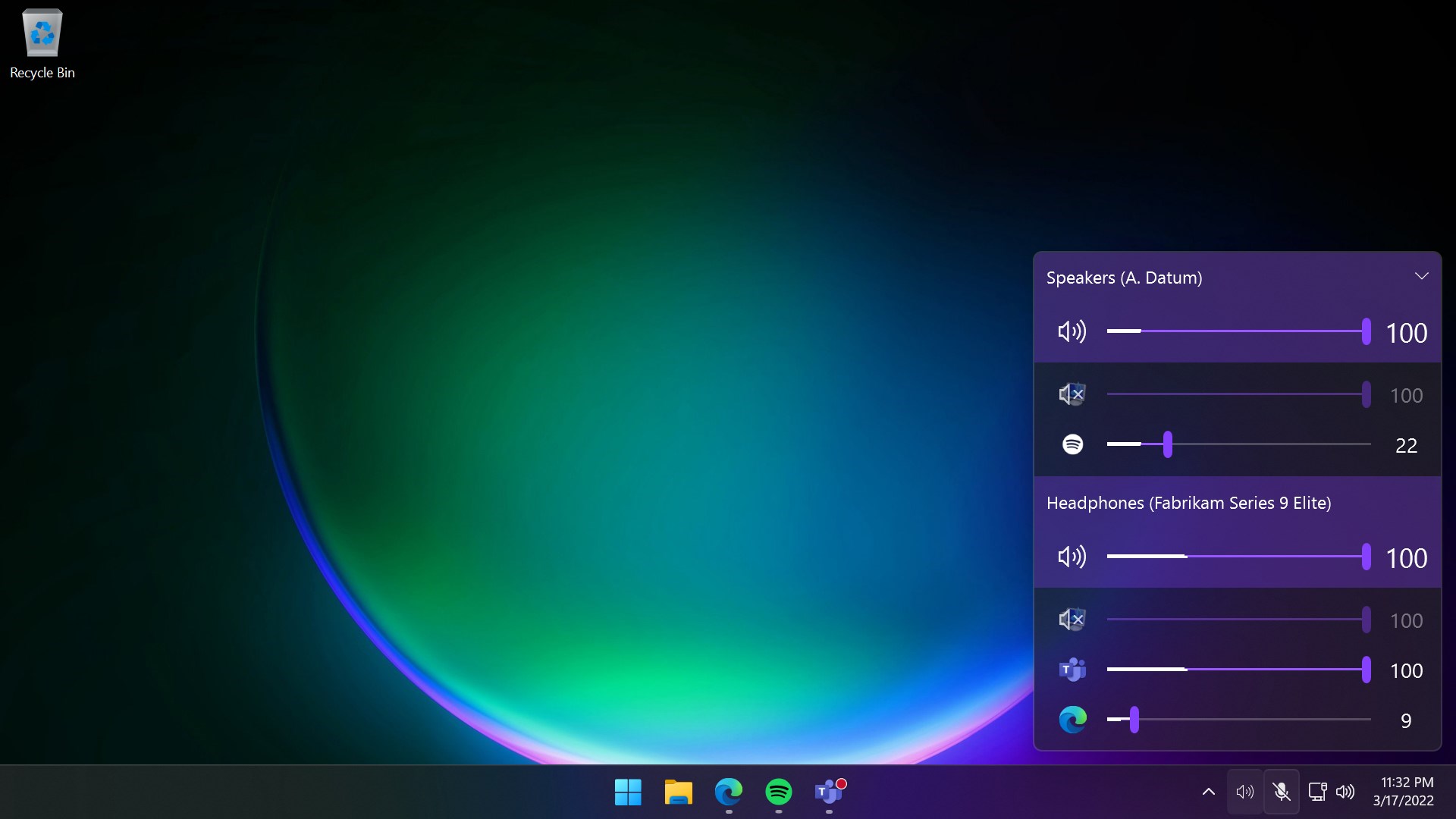
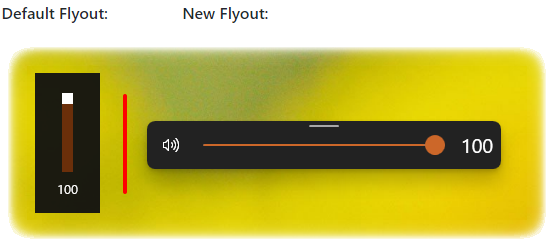
Congratulations to the winners in this category: Auto Dark Mode, EarTrumpet, and ModernFlyouts!
Finalists
- Auto Dark Mode
- CopyAndPaste
- Dynamic Theme
- EarTrumpet
- Fluent Search
- Ink Workspace
- Lively Wallpaper
- ModernFlyouts
- RoundedTB
- Translucent TB
We’re excited and humbled by the community participation for these awards. Thank you again for the great nominees, and for picking the apps which are the most important to you!
Finally, thanks to the developers of these apps! We love the diversity of technology used, and the teams who created them. From individual developers through to distributed projects, open source, and larger companies, you’ve shown that amazing, beautiful, and useful apps can come from development teams of any size and type.
We offer a warm thank you to the incredible Windows developer community, and to all the people who voted for the awards. We are very excited about these and other apps in the Microsoft Store, and hope you will enjoy them too!